Quick Answer
Ttareungi is Seoul’s public bike system, and foreigners can usually use it through the app or website with a working payment card, then unlock a bike at a nearby station and return it to any empty dock when finished. The key steps are simple: buy a pass first, check that the bike number matches, and confirm the return on the app or dock light so overtime charges do not keep running.
What to Do First
- Download the Ttareungi app or open the website before you leave for the station
- Register with an email address and a payment card that works for online purchases
- Buy a pass in the app before trying to unlock a bike
- Find a station with available bikes and empty docks
- Use the correct bike number to unlock
- Ride in a bike lane or on the road edge where cycling is allowed
- Return the bike firmly to a dock and wait for confirmation
When This Guide Helps
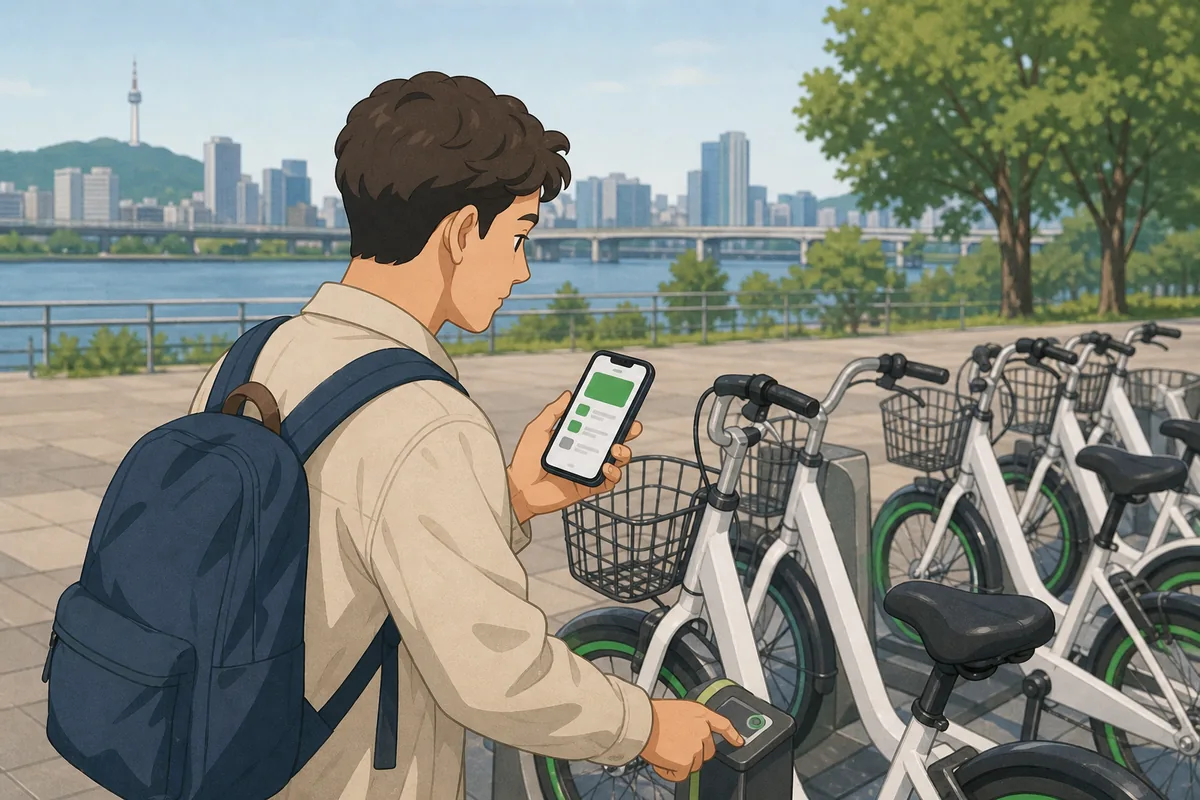
This guide is for first-time visitors who want to use ttareungi without guessing at the station. It covers the normal flow from app access and pass purchase to finding a bike, unlocking it, riding safely, and returning it correctly. It also explains the most common problems: no bikes available, payment issues, unlock failures, and returns that do not register.
It is especially useful for short city trips, riverside rides, and moving between neighborhoods where walking feels too slow and the subway feels like more than you need. Once you know the system, ttareungi is one of the easiest ways to cover short distances in central Seoul.
Setting Up the App and Account
You can start with the app or the web version. Search for 따릉이 or Seoul’s public bike service, then switch to English if the option appears on the login or settings screen. The web version is helpful if you do not want to install another app, and it works well on a phone browser.
Create an account with an email address, then complete payment setup before you go to a station. Most travelers use a foreign credit or debit card for the purchase step. If one card fails, try another card rather than assuming the system is broken. Keep the payment step finished before you depend on the bike, because unlock will not work without an active pass.
After registration, choose a pass inside the app. Pass types usually include short-use and longer-use options, and each pass gives you a riding window before overtime charges begin. Check the current pass details in the app when you buy, since prices and pass options can change.
Finding a Station and Checking Availability
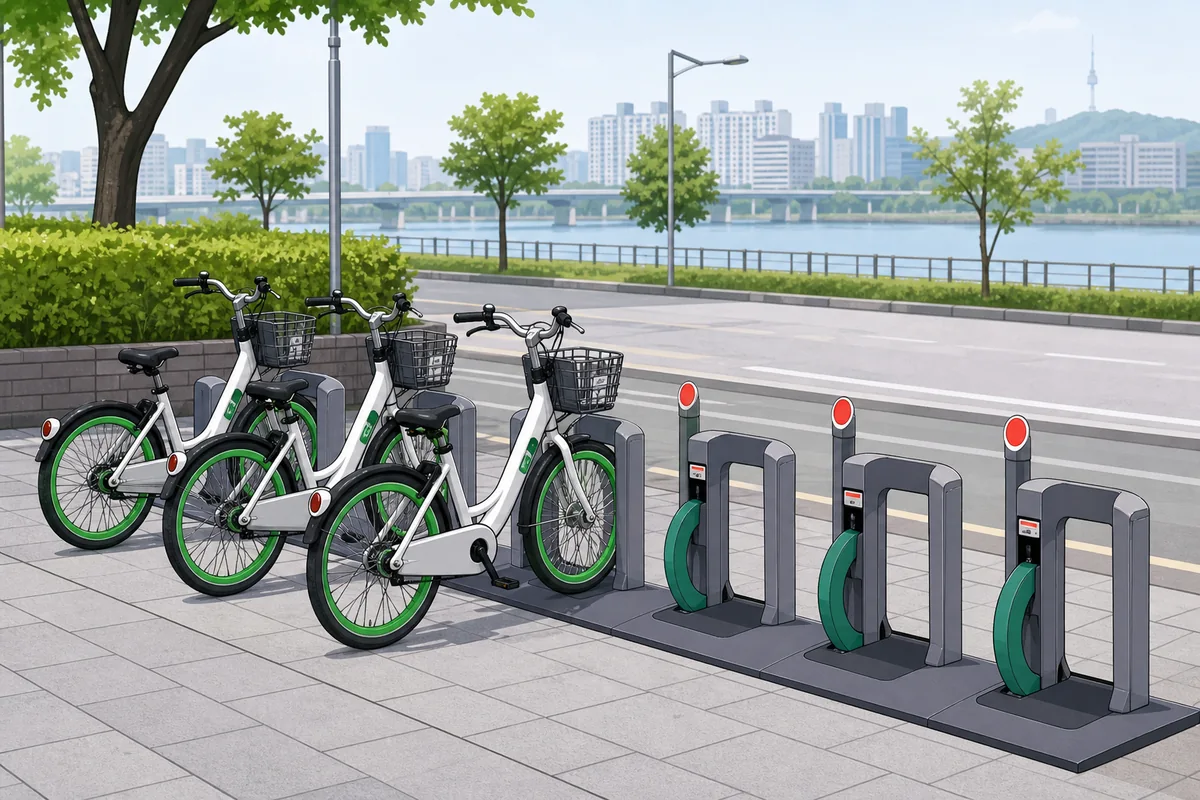
Open the map in the app to see nearby stations and the number of available bikes. A station with zero bikes means you need a different location. If you plan to return the bike soon, also check the number of empty docks at the station you want to use later.
On the street, stations are usually easy to spot by the bike racks and the Ttareungi branding. The app is still the easiest way to avoid wasted walking, especially if you are trying to rent during busy hours or near popular riverside paths.
How to Unlock ttareungi
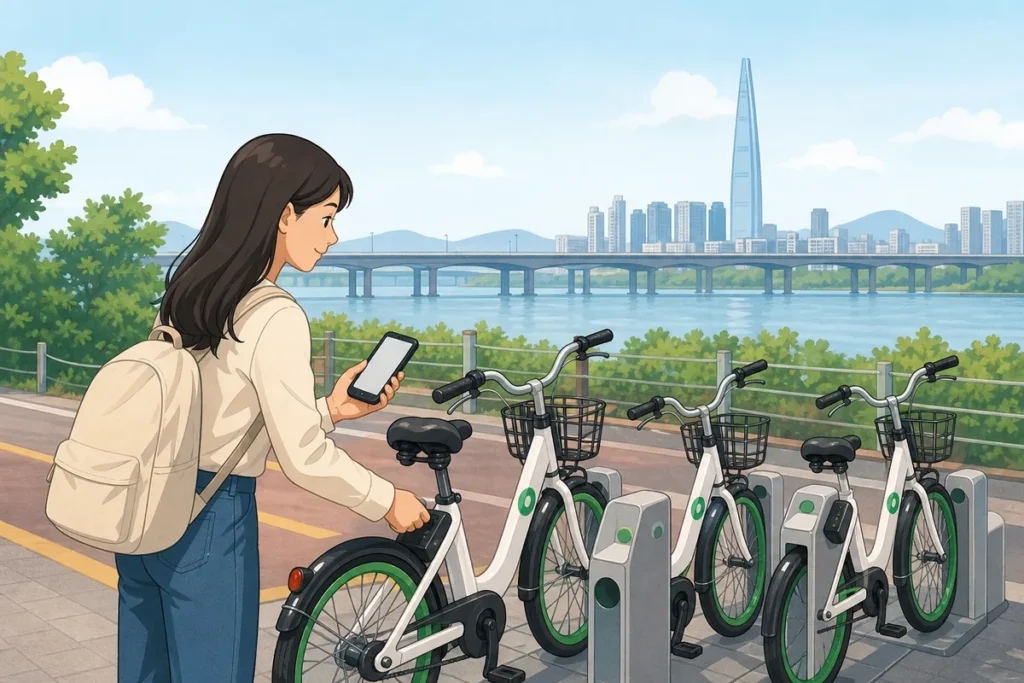
Every bike has a visible bike number on the frame. To unlock ttareungi, match that number carefully in the app or at the station terminal, then follow the rental prompt. If the bike is ready, the lock releases and you can pull the bike out of the dock.
- App unlock: choose the bike in the app, enter or scan the correct number, and wait for the lock to release.
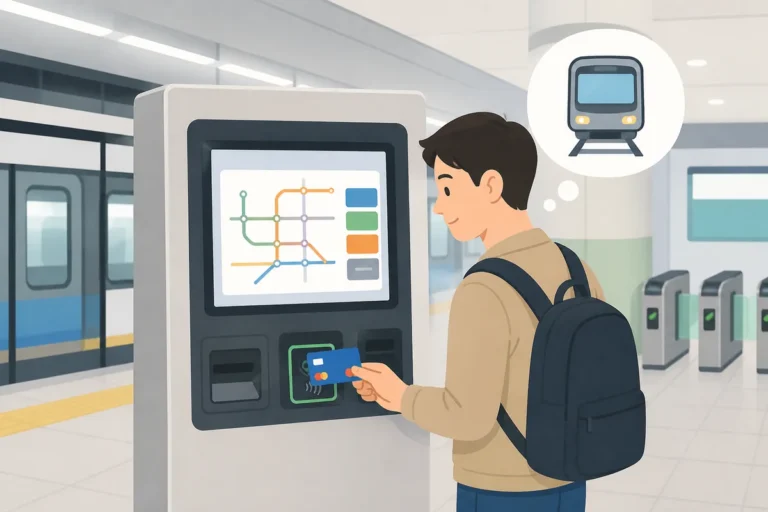
- Terminal unlock: use the station screen if you prefer not to unlock from the app directly.
If nothing happens, check the bike number again first. A wrong number is the most common mistake. If the bike still does not release, try another bike at the same station. A single dock can fail even when the station itself is working.
Riding in Seoul
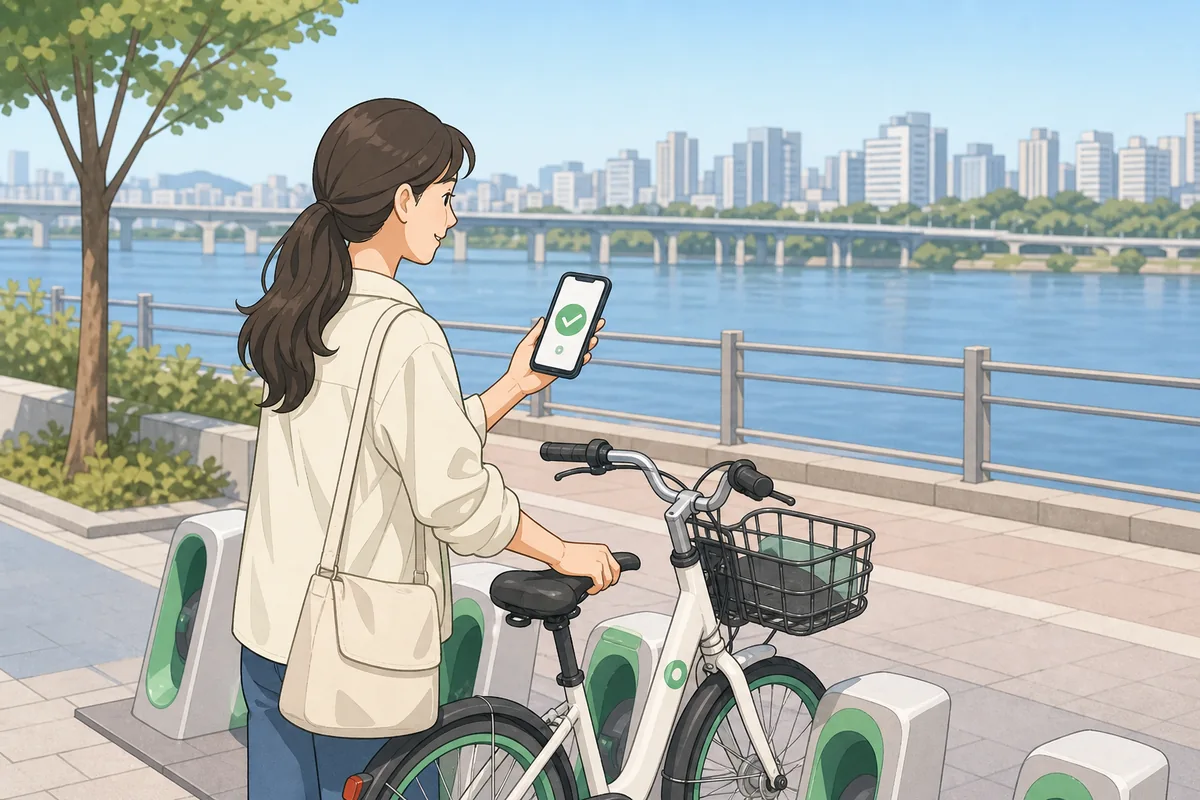
Ride in marked bike lanes when they are available. If there is no dedicated lane, stay to the right side of the road and follow the same direction as traffic. That keeps the route clear and predictable. For a first ride, river paths such as the Han River bike routes are the easiest places to get comfortable with the system.
Avoid treating sidewalks like a default cycling space. In busier parts of Seoul, the simplest approach is to choose a bike lane, bike path, or road section that clearly allows cycling. If you are unsure, slow down and follow the route used by other cyclists nearby.
Returning the Bike Correctly
To finish the rental, push the bike firmly into an empty dock until it clicks into place. Then check for the green light or the app confirmation that shows the return is complete. Do not walk away just because the bike looks parked. If the return does not register, the rental can keep running.
If the dock does not accept the bike, try another empty slot at the same station. A station can be usable even when one dock is faulty. Once the app shows the ride as ended, your return is complete and the timer stops.
Overtime Charges Explained
ttareungi passes normally include a limited riding window per trip. If you keep the bike past that window, overtime charges are added automatically. The exact fee depends on the current system rules, so check the official app information before you ride.
The easiest way to avoid extra charges is to set a phone timer when you unlock the bike. Give yourself a few minutes to reach a station, dock the bike, and confirm the return before the window ends.
Korean Phrases You Can Show
Useful Korean Signs or Words
Where to Get Help
If the app or dock is not working, use the help or contact section inside the service app first. That is the most direct place to find service support details for your rental.
For general city help in Seoul, the Dasan Call Center is a useful backup because it handles many public service questions in English and other languages. If you are near a major tourist area, staff at nearby convenience stores or station information points can often help you read the screen or find the next station.
Common Mistakes
- Buying the pass after reaching the dock instead of before.
- Using the dock number when the app asks for the bike number.
- Leaving before the dock light or app shows a completed return.
- Trying to return to a station with no empty docks.
- Forgetting that the riding window is limited and overtime charges can start quickly.
- Assuming every payment card works the same way for online registration.
Note: This guide is for travel navigation in Korea. It is not medical, legal, or emergency professional advice. For urgent situations, contact local emergency services, official staff, or your embassy/consulate as appropriate.
Sources & Verification
- AREX 공항철도 — www.arex.or.kr
Last checked: July 30, 2026