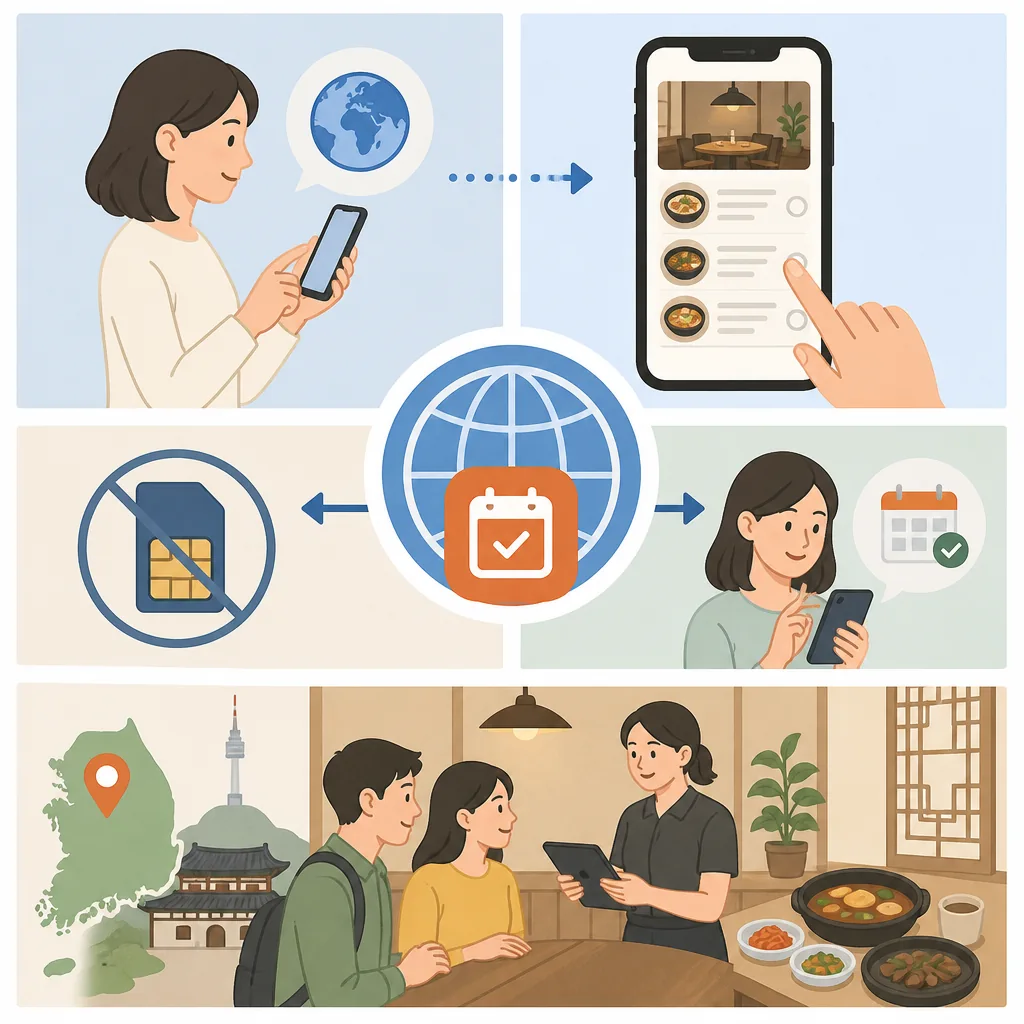
If you do not have a Korean phone number, Catchtable Global is often the easiest way to book many restaurants in Korea in English. The key is to check whether the restaurant allows booking, waiting, or prepayment on the listing before you try to finish the reservation — because those three options work very differently, and not all of them are available for every place. Check VISITKOREA – Imagine Your Korea for the current details.
What Catchtable Global Actually Is
Catchtable is one of Korea’s most widely used restaurant reservation platforms. The Korean version has been running for years, but Catchtable Global is the English-language version designed specifically for foreign visitors. It covers a large number of restaurants across Seoul and other major cities, including many that are otherwise very hard to book without speaking Korean or knowing someone local.
The platform handles three different things: advance table reservations, remote waiting (joining a queue from your phone instead of standing in line), and prepaid bookings where you pay a deposit or the full amount upfront. These are not interchangeable. A restaurant that appears on Catchtable Global might only support one of them.
When Catchtable Global Is the Right Tool
It works best when you are trying to book a popular restaurant that fills up fast — Korean barbecue spots, omakase counters, trending brunch places, and restaurants that have gone viral on social media. These are exactly the places where showing up without a reservation leads to a very long wait or a flat refusal at the door.
It is less useful for casual neighborhood restaurants, pojangmacha street stalls, or small local spots that do not take reservations at all. Those places are walk-in by nature, and no app changes that.

How to Search in English
Open the Catchtable Global app or website and set your language to English before you search. The search bar accepts restaurant names, neighborhoods (Hongdae, Itaewon, Gangnam), and cuisine types. Results show the restaurant’s current booking status directly on the card — look for labels like Reservation, Waiting, or Prepayment next to each listing.
Filtering by district is the most practical approach when you are already planning to be in a specific area. You can also filter by cuisine and sort by availability. One thing that surprises visitors: the map view does not always show every restaurant in an area — only those currently accepting bookings or waiting registrations through the app.
When you open a listing, read the full detail page before doing anything else. The page shows the booking type available, the cancellation policy, any deposit amount, and whether a phone number is required. Skipping this step is the most common reason reservations fail partway through.
How to Create an Account Without a Korean Phone Number
Sign up using Google, Apple, Facebook, or an international email address. Catchtable Global does not require a Korean phone number to create an account. Your name and email are enough for the account itself.
The phone number question comes up later, at the restaurant level — and only for certain restaurants that have set their own verification requirements. That is a separate issue from your account setup, covered below.
How to Reserve a Table Step by Step
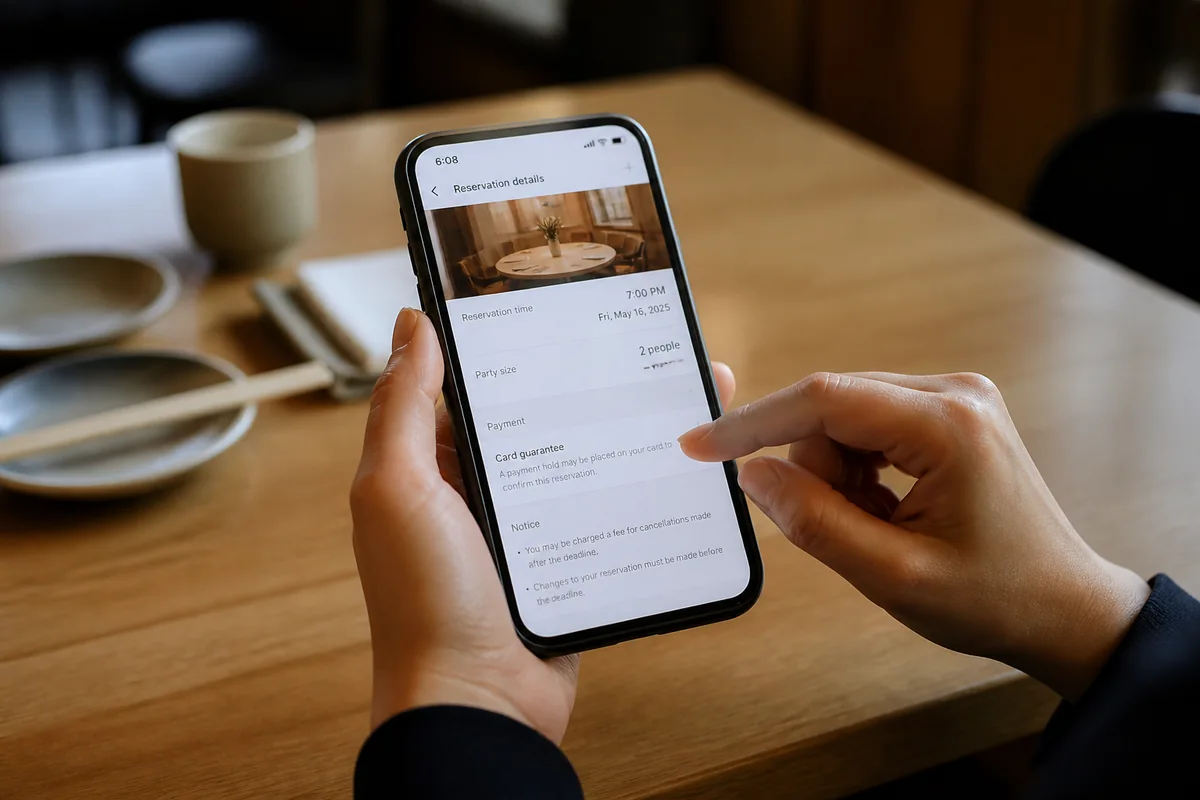
Once you find a restaurant showing Reservation as an option, tap it and select your date, time slot, and party size. Available slots show in green or as selectable buttons; grayed-out slots are full. Choose your slot and move to the guest details screen.
The details screen asks for your name, contact number, and sometimes a special request field. Enter your international phone number in the contact field — include your country code. Most restaurants on Catchtable Global accept this without issue. If the field rejects a non-Korean number format, that is a sign the restaurant has set a Korean-number requirement on their end.
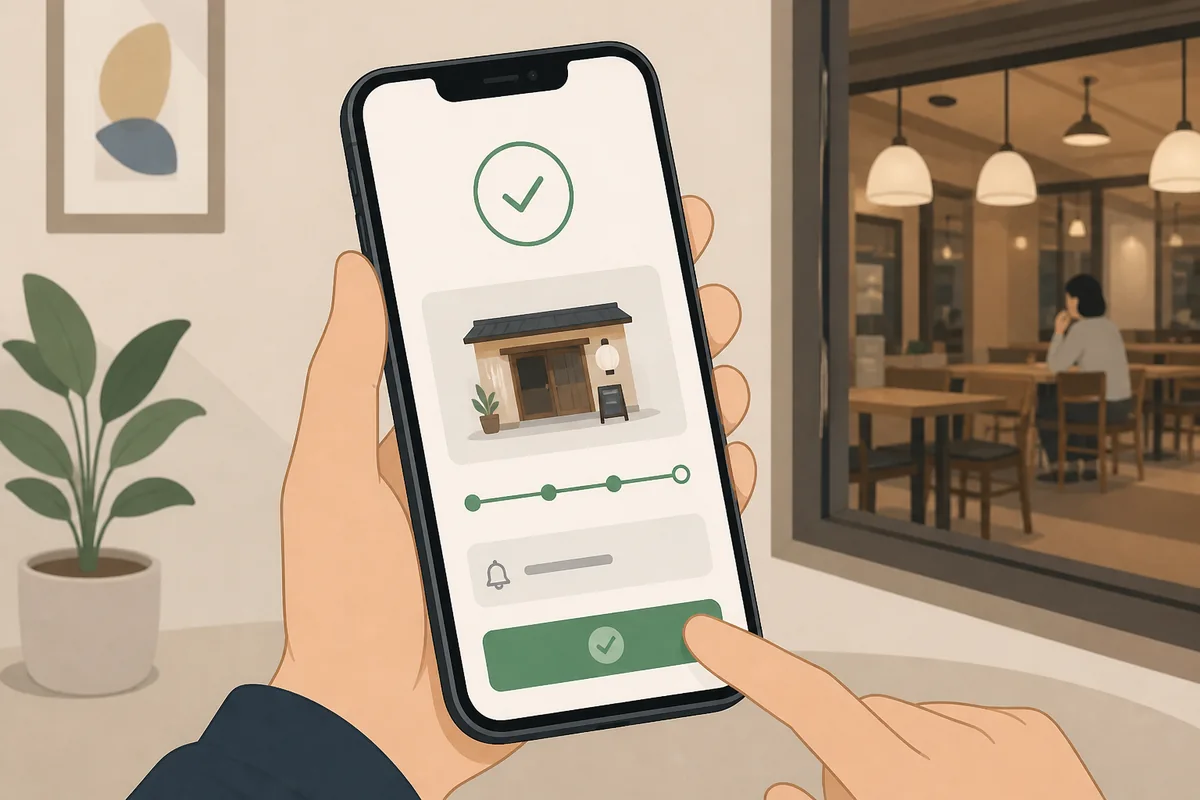
After confirming your details, you either complete the booking immediately (for free reservations) or move to a payment screen (for deposit or prepaid bookings). A confirmation appears in the app and is also sent to your email.
- Check the listing label: Reservation, Waiting, or Prepayment
- Read the cancellation policy on the detail page
- Note the deposit amount if one is listed
- Confirm whether your card type is accepted
- Save the confirmation email — you may need to show it at the door
How Remote Waiting Works
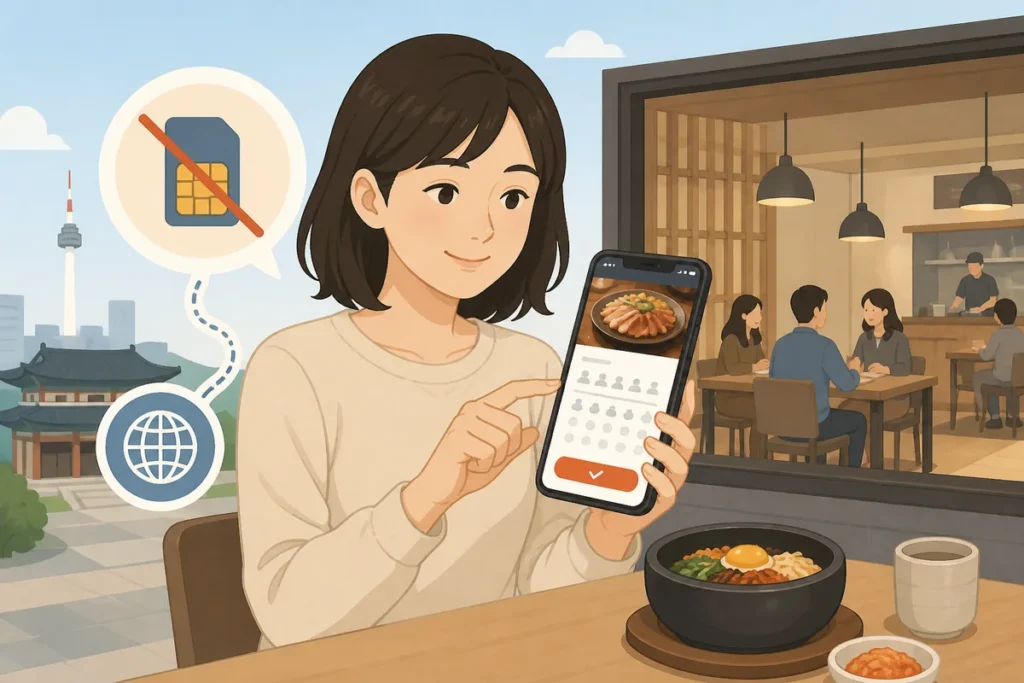
Remote waiting — called 원격 대기 (won-gyeok dae-gi) in Korean — lets you join a restaurant’s queue from your phone instead of standing outside. You register through the app, receive a queue number, and get a notification when your turn is approaching. The idea is that you can walk around the neighborhood or sit at a café nearby instead of holding a physical spot in line.
This is genuinely useful at popular places that do not take advance reservations at all. Many trending restaurants in Seongsu-dong, Mangwon, and parts of Hongdae operate this way.
The important limits: remote waiting is only available when the restaurant has activated it for that day, usually from opening time. It is not a guarantee of a table — it is a place in line. If you do not arrive within the window when your number is called, you lose your spot. The app sends a push notification, so make sure notifications are enabled and you are within reasonable distance of the restaurant when your number gets close.
Some restaurants set remote waiting to open at a specific time — 10:00 AM for a lunch-only spot, for example — and the slots fill within minutes. If you are targeting a very popular place, check the listing the evening before to see when waiting registration opens.
Payment, Deposits, and Foreign Cards
Free reservations require no payment through the app. But prepaid bookings and deposit-required reservations involve a payment step, and this is where foreign visitors sometimes hit a wall.
Catchtable Global supports international credit cards including Visa and Mastercard for most prepaid transactions. American Express acceptance is less consistent — it depends on the restaurant’s payment setup. Some high-end omakase restaurants process their deposits through a Korean payment gateway that only accepts Korean-issued cards or specific local payment methods. When that is the case, the payment screen will either reject your card outright or show no international card option at all.
If your card is declined on a deposit booking, the reservation does not go through. You are not charged. The slot may still be available if you try again with a different card, but there is no guarantee it stays open while you sort out the payment.
| Booking Type | Payment Required | Foreign Card Usually Works |
|---|---|---|
| Free Reservation | No | N/A |
| Deposit Booking | Yes (partial) | Often, not always |
| Prepaid Booking | Yes (full amount) | Often, not always |
| Remote Waiting | No | N/A |
What to Do If a Korean Phone Number Is Requested
Some restaurants on Catchtable require a Korean phone number as part of their own verification setup. This is a restaurant-level setting, not a platform-wide rule. When you hit this screen, you have a few realistic options.
First, try entering your international number with the country code. Some restaurants have updated their input fields to accept this, even if the label still says Korean number. It is worth trying before assuming it will fail.
If the field truly rejects non-Korean numbers, the most practical workaround is to contact the restaurant directly. Many popular restaurants in Seoul have Instagram accounts or a Naver reservation page, and some have English-speaking staff who can take a booking by email or direct message. This is not guaranteed, but it works more often than visitors expect.
A Korean SIM card or a local number through a roaming eSIM service solves the problem entirely. Short-term Korean SIM cards are sold at Incheon Airport arrival halls and at convenience stores near major tourist areas. If you are planning multiple restaurant bookings during your trip, this is worth considering early.
Phrases to Show at the Restaurant
Common Mistakes That Cause Failed Reservations
Booking the wrong date or time zone. Catchtable Global displays times in Korean Standard Time (KST, UTC+9). If you are planning ahead from a different country, convert carefully. A 7:00 PM booking in Seoul is not 7:00 PM wherever you are now.
Missing the arrival window. Restaurants on Catchtable typically hold a reserved table for 10 to 15 minutes. Arriving late without contacting the restaurant first often results in a cancelled reservation. If you are running late, call the restaurant directly — the phone number is on the listing page.
Assuming “waiting” means the same as a reservation. Remote waiting puts you in a queue. It does not guarantee a table at a specific time. On busy weekends, queue numbers can move slowly, and the restaurant may stop accepting new waiting registrations before you get a seat.
Not reading the cancellation policy. Deposit bookings often have strict cancellation windows — cancel within 24 hours of the reservation and you may forfeit the deposit. The policy is listed on the detail page in English. Read it before you pay.
Using a VPN during payment. Some Korean payment gateways flag or block transactions that appear to come from outside Korea. If your card is being declined unexpectedly, try turning off any active VPN.
Official Help and What to Check Before You Go
If a booking fails or you need to modify a reservation, the Catchtable Global app has an in-app help and booking management section under your profile. Reservation details, cancellation requests, and booking history are all there. For issues with payment or account access, the platform’s official support contact is listed in the app’s help section.
For restaurants that require deposits or full prepayment, keep a screenshot of your confirmation and the cancellation policy. If a dispute arises over a charge, having documentation of what the policy said at the time of booking matters.
Korea Tourism Organization maintains an English-language visitor support line (1330) that can assist with general travel questions, including restaurant access issues, though it does not handle app-specific booking problems directly.
Can I use Catchtable Global without a Korean phone number?
Yes, for most restaurants. You create your account with an international email or social login, no Korean number needed. A Korean phone number is only required by specific restaurants that have set that as their own verification rule — it is not a platform-wide requirement. Trying your international number with a country code first is always worth doing before assuming it will be blocked.
Why does a restaurant ask for a Korean phone number on Catchtable?
Individual restaurants control their own booking settings on the platform. Some set a Korean number requirement because they want to be able to call or text the guest directly in Korean, or because their system was set up before Catchtable Global launched. It is a restaurant decision, not a Catchtable Global policy.
Does Catchtable Global accept foreign credit cards?
For free reservations and remote waiting, no card is needed. For deposit and prepaid bookings, Visa and Mastercard generally work, but some restaurants process payments through Korean-only gateways that do not accept international cards. If your card is declined, the reservation does not go through and you are not charged. Check the payment screen carefully before confirming.
What is remote waiting in Korea?
Remote waiting (원격 대기) lets you register for a restaurant’s queue through the app instead of standing outside in person. You get a queue number, receive a notification when your turn is near, and then arrive at the restaurant. It is common at popular spots that do not take advance reservations. You still need to be nearby when your number is called — the restaurant typically gives a short arrival window before your spot is given to the next person.
What should I do if my reservation does not go through?
First, check your email and the app’s booking history — sometimes the confirmation is delayed. If no confirmation appears, the booking did not complete. Try again with a different payment method if the issue was a card decline. If the time slot is gone, check whether remote waiting is available for that restaurant instead. For persistent issues, use the in-app help section or contact the restaurant directly using the phone number on the listing page.
Note: This guide is for travel navigation in Korea. It is not medical, legal, or emergency professional advice. For urgent situations, contact local emergency services, official staff, or your embassy/consulate as appropriate.
Sources & Verification
- VISITKOREA – Imagine Your Korea — english.visitkorea.or.kr
Last checked: August 14, 2026