Use Table Ordering Tablets in Korean Restaurants: What You Need to Know
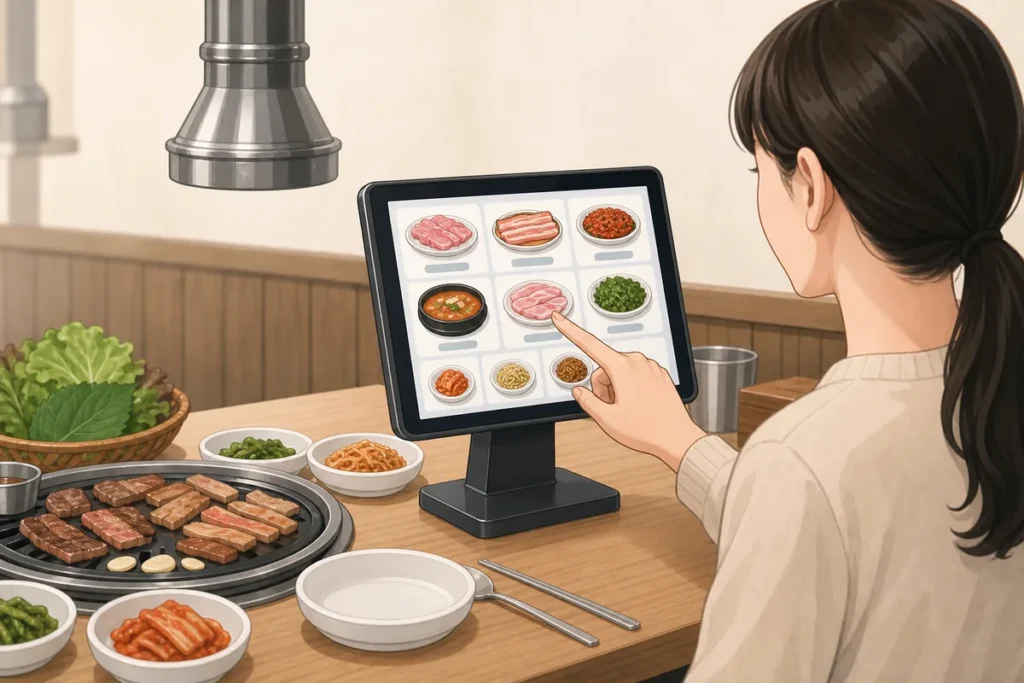
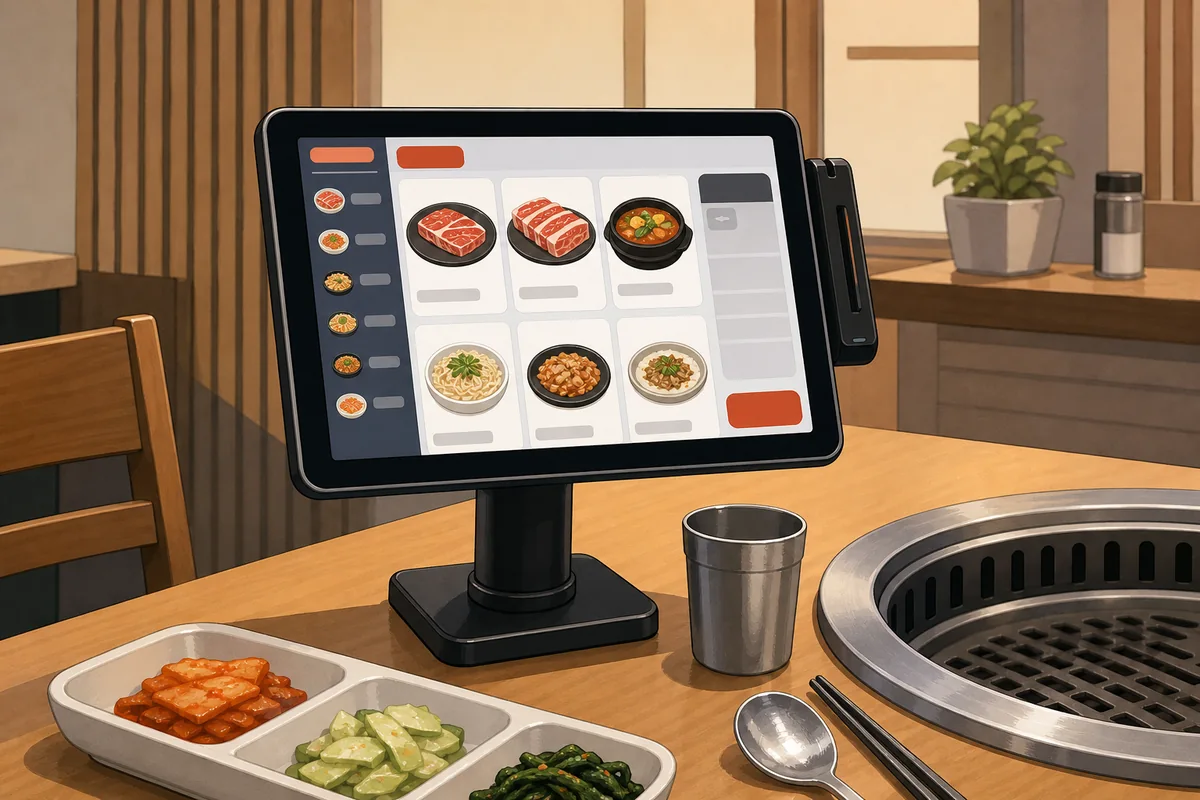
If you see table ordering tablets in a Korean restaurant, tap the screen, choose a dish, set the quantity, and confirm the order on the tablet. In many places, you can also call staff, add extras, or move to payment from the same screen. Look first for the plus/minus controls, the cart or confirm button, and the staff call icon.
What to Do First
- Tap the screen once if it looks dim or idle.
- Open a category and select the menu item you want.
- Use plus and minus to change the quantity.
- Tap add to cart or confirm when your order is ready.
- Use the staff call button if you need help.
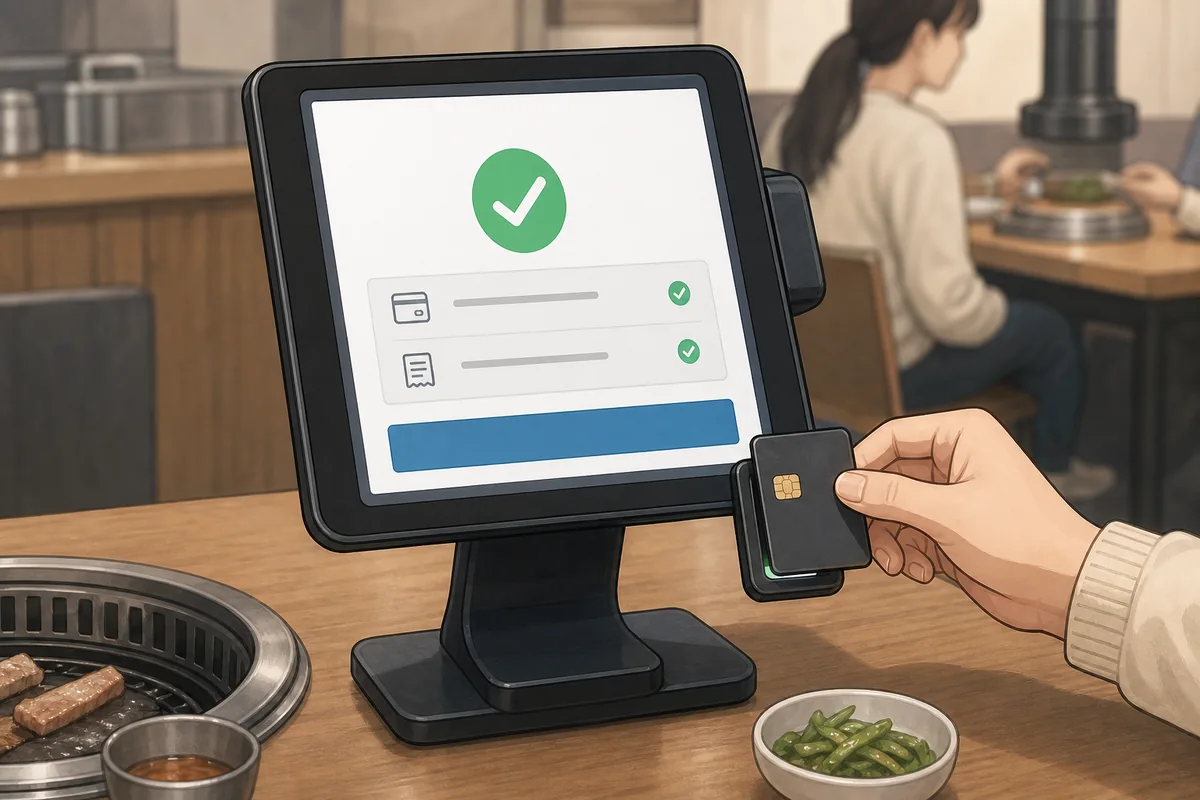
- Check whether payment happens on the tablet or at the counter.
When This Guide Helps
This guide helps when you are seated at a Korean restaurant and the tablet is the main way to order. It is useful if you do not read Korean well, are not sure what each icon does, or want to know whether the order is sent immediately or only after a final confirmation. It also helps when you need to find the payment step or contact staff without leaving your seat.
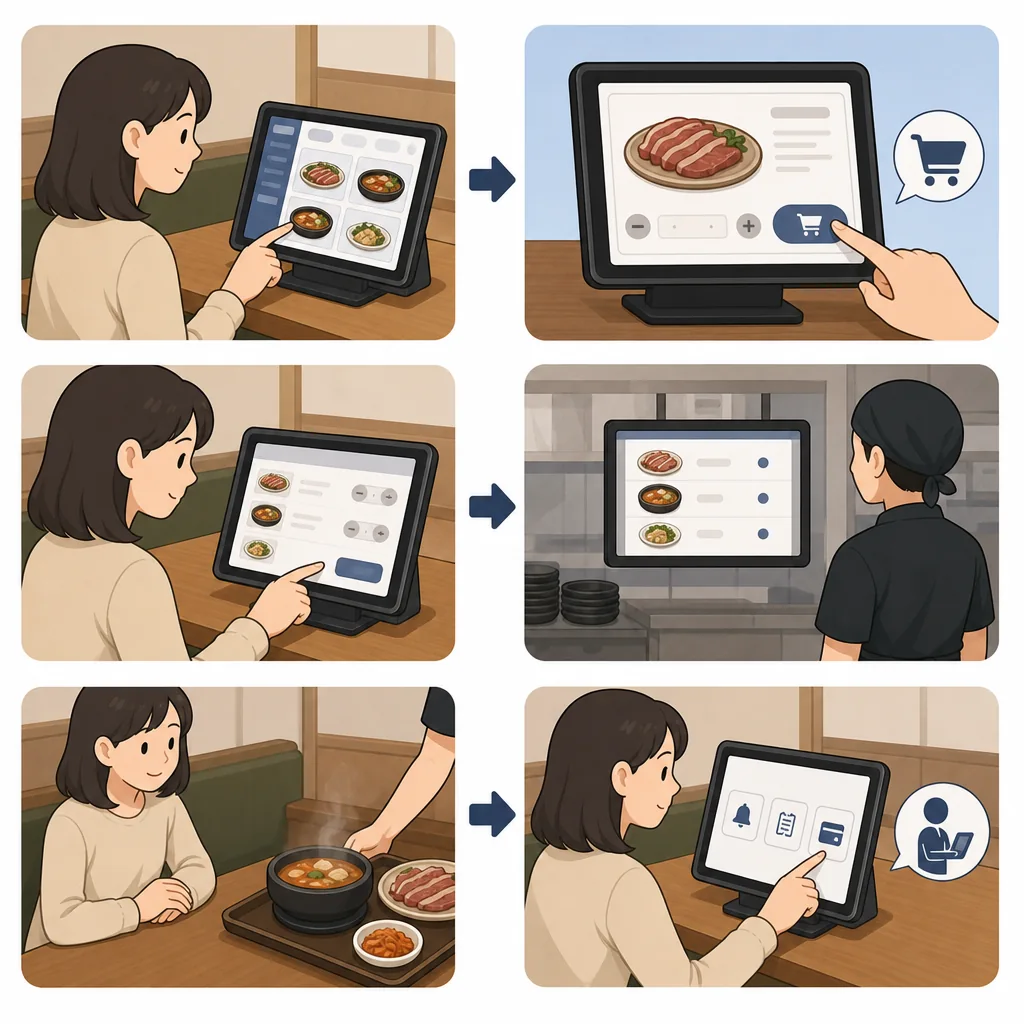
Tablet layouts vary by restaurant, so the exact buttons may look different. Even so, most table ordering tablets use the same basic logic: browse, choose, adjust, confirm, and then pay if the restaurant uses on-table payment.
What to Do First
Start by waking the screen if it is dark. Then look for food categories along the top, side, or bottom of the display. Tap a category to open the menu, and select the item you want. Many items show a photo, a Korean name, and sometimes English text.
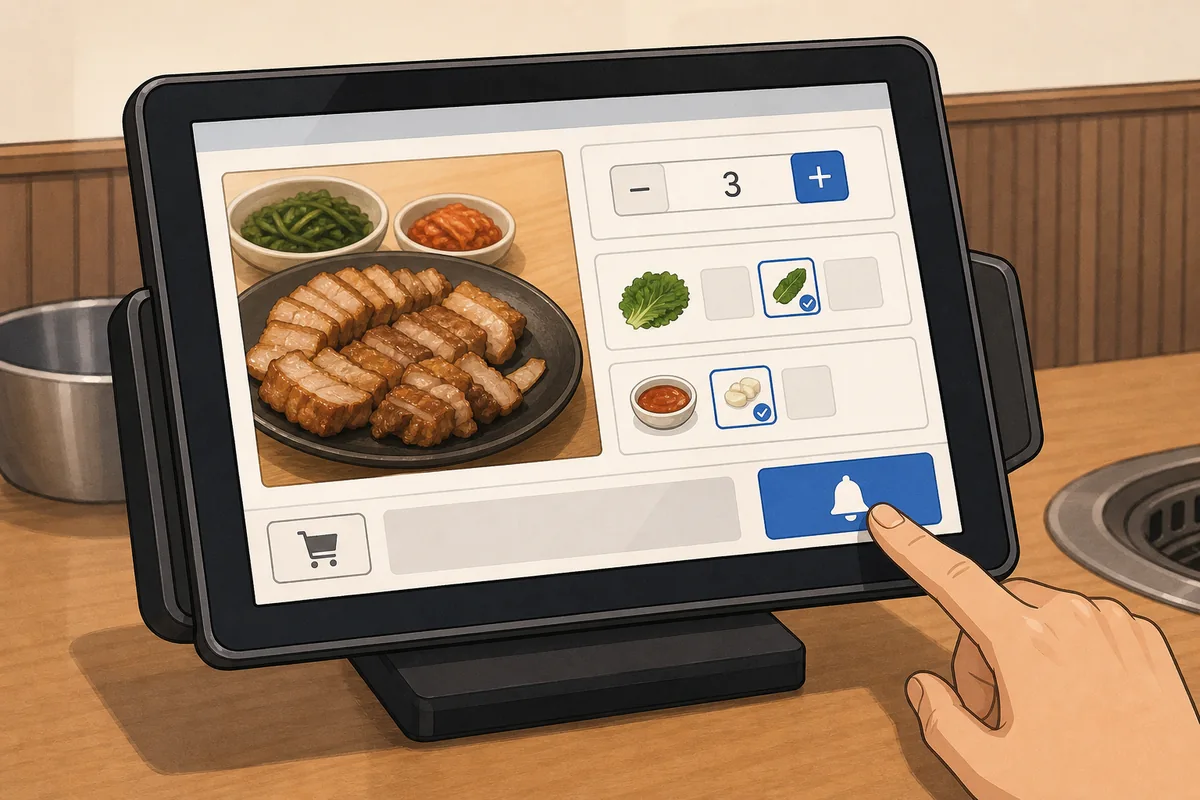
After you tap an item, a detail screen usually appears. This is where you set the quantity. Most tablets use plus and minus buttons, a number box, or a small cart area. If you want one item, leave the number at one. If you want more, tap plus until the number looks right.
Next, tap the button that adds the item to your order. It may say 담기, 추가, 주문하기, or show a cart icon. After you add everything, open the cart or order summary and check the list before you confirm. Some restaurants send the order right away, while others ask for one more final confirmation.
If you need help, look for a bell icon or the text 직원 호출. That means call staff. It is the fastest way to ask for assistance without guessing on the screen.
Korean Phrases You Can Show
Show these phrases on your phone if you need help with the tablet.
Useful Korean Signs or Words for table ordering tablets
These are the most common words and labels you may see on the screen.
Where to Get Help
The easiest option is the staff call button on the tablet. Tap it and wait for someone to come to your table. If the tablet is hard to use or the layout is confusing, show a staff member the screen and point to the item you want.
If you cannot find the right button, you can also ask at the counter or make eye contact with staff nearby. In many restaurants, workers are used to helping guests with table ordering tablets, so brief help requests are normal.
Common Mistakes
- Confirming too early before checking the cart.
- Assuming payment always happens on the tablet.
- Missing the language switch at the top corner.
- Trying to remove an item by changing quantity to zero only.
- Waiting too long before tapping the staff call button.
Official Resource
The Korea Tourism Organization 1330 Travel Helpline is the main official support line for foreign visitors in Korea. It offers travel help in several languages and can be useful if you need general guidance beyond the restaurant.
Use Table Ordering Tablets in Korean Restaurants becomes easier to handle when you recognize the situation and follow the practical steps above.
FAQ
How does a visitor order on a Korean restaurant tablet?
Tap the screen, open a menu category, choose the item, set the quantity, and press the add or confirm button. If you are unsure, use the staff call button.
What does 직원 호출 mean on a tablet in Korea?
It means call staff. Tap it when you need help with the order, language, or payment step.
How does a visitor change the number of dishes?
Use the plus and minus buttons near the item or in the cart. Some tablets also show a quantity box or edit icon.
Can a visitor pay on the same tablet?
Sometimes yes. Some restaurants have a payment button on the tablet, while others take payment at the counter. Check the screen or ask staff.
Note: This guide is for travel navigation in Korea. It is not medical, legal, or emergency professional advice. For urgent situations, contact local emergency services, official staff, or your embassy/consulate as appropriate.
Sources & Verification
- VISITKOREA – Imagine Your Korea — english.visitkorea.or.kr
Last checked: July 30, 2026