Quick Answer
lightstick rules in Korea are set by each artist, organizer, and venue, so there is no single universal rule. In most cases, you should bring the official lightstick, install fresh batteries before you arrive, and complete any app setup or Bluetooth pairing ahead of time. Always check the official notice from the artist, ticketing platform, or venue because permitted models, battery requirements, and sync steps can change by event.
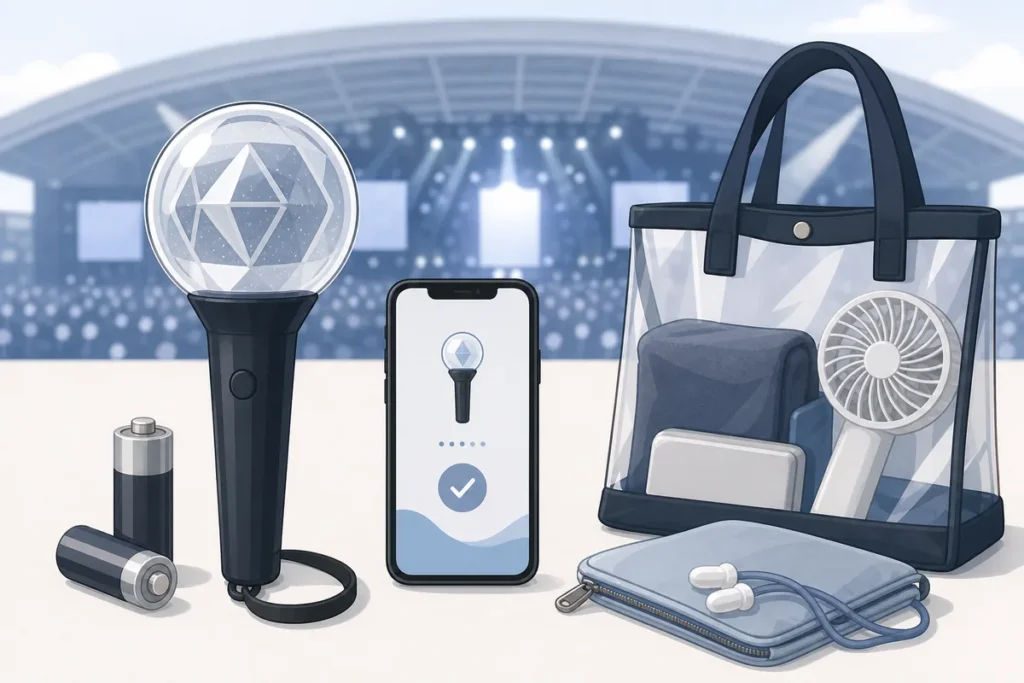
Table of Contents
- What lightstick rules mean
- Buying the right lightstick
- Battery preparation
- App connection and Bluetooth sync
- Concert day checklist
- Common situations
- What foreigners often get wrong
- Useful Korean phrases
- Warnings and things to check
- FAQ
- Summary
lightstick rules matter because many K-pop concerts in Korea use official lightsticks as part of the show itself, not just as fan merchandise. The concert experience can include color control, synchronized patterns, and venue-specific entry checks, so preparation is worth doing carefully. This guide explains the practical steps in simple terms.

What lightstick rules mean
At Korean concerts, lightstick rules usually cover four things: which model is allowed, what batteries or charging method it uses, whether app connection is required, and whether the venue has a special syncing system. These rules are often different for each artist and tour.
In many cases, staff may check whether you have the official product. Some events allow only one specific version of the lightstick, while others accept older versions too. If the concert uses centralized lighting control, your lightstick may need to connect to an app or register your seat number before the show starts.
Important: Do not assume one concert’s rules apply to the next one. Always read the official notice for your exact event.
Buying the right lightstick
The safest option is to buy the official lightstick from the artist’s official shop, official merch store, or another verified seller listed in the event notice. Unofficial products can look very similar but may not sync properly or may be rejected at entry.
If possible, buy early. Venue merchandise booths can have long lines, and some concerts sell out quickly. Check whether the event requires a specific version, because a new release and an older release may not be interchangeable.
Battery preparation
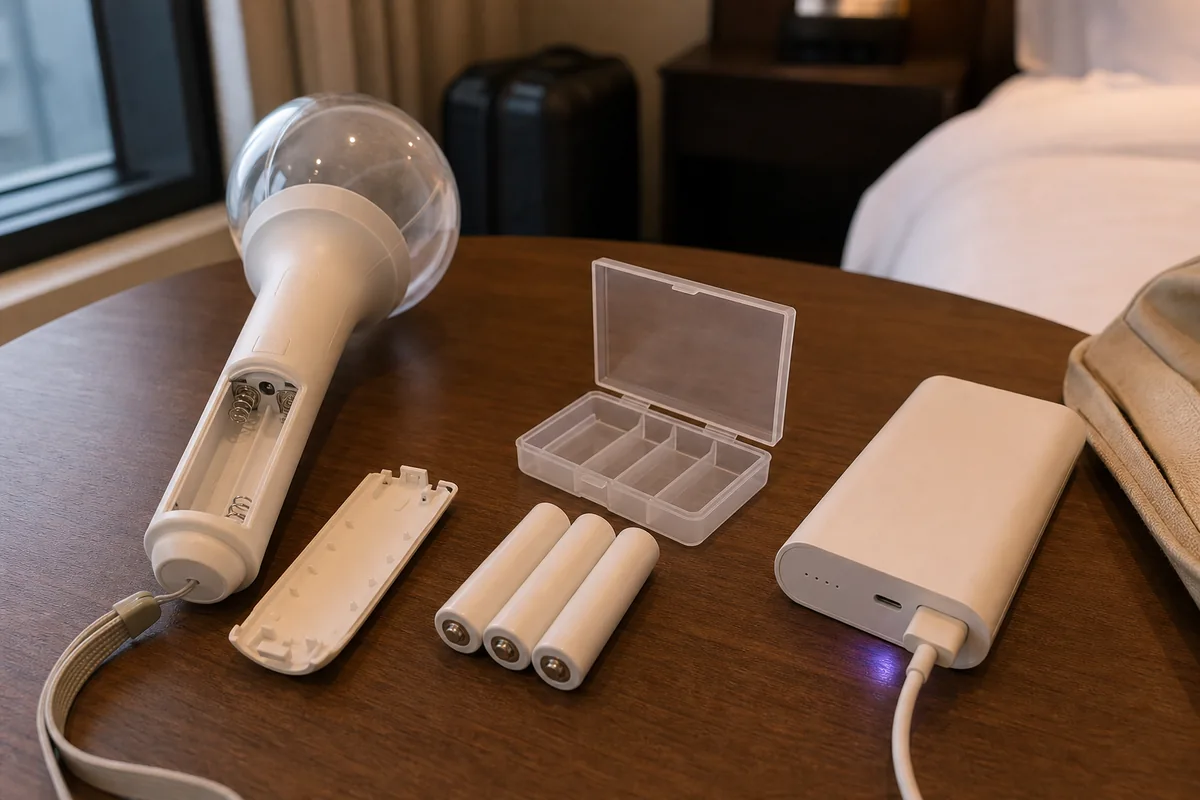
For many official lightsticks, the power source is still standard AA or AAA batteries. Some newer models use rechargeable batteries, but that is not the norm for every artist. The exact battery type and quantity should be confirmed from the product manual or the official event notice.
Before concert day, install fresh batteries and test the lightstick at home. Bring a spare set if you can, especially for a long show. If the batteries are weak, the light may turn on but Bluetooth syncing may fail.
Battery safety: Do not mix old and new batteries, and do not mix different battery types in the same device. If a battery is damaged, swollen, or leaking, do not use it.
What to do before you leave
- Check the exact battery type and quantity.
- Install fresh batteries the night before.
- Test the lightstick in advance.
- Pack a spare set if allowed and practical.
- Keep loose batteries away from metal objects.
Where to buy batteries in Korea
Convenience stores usually sell batteries, and they are commonly available at places like CU, GS25, 7-Eleven, and Emart24. Still, buying them early is better than waiting until just before entry, because concert-day stock can run low near venues.
App connection and Bluetooth sync
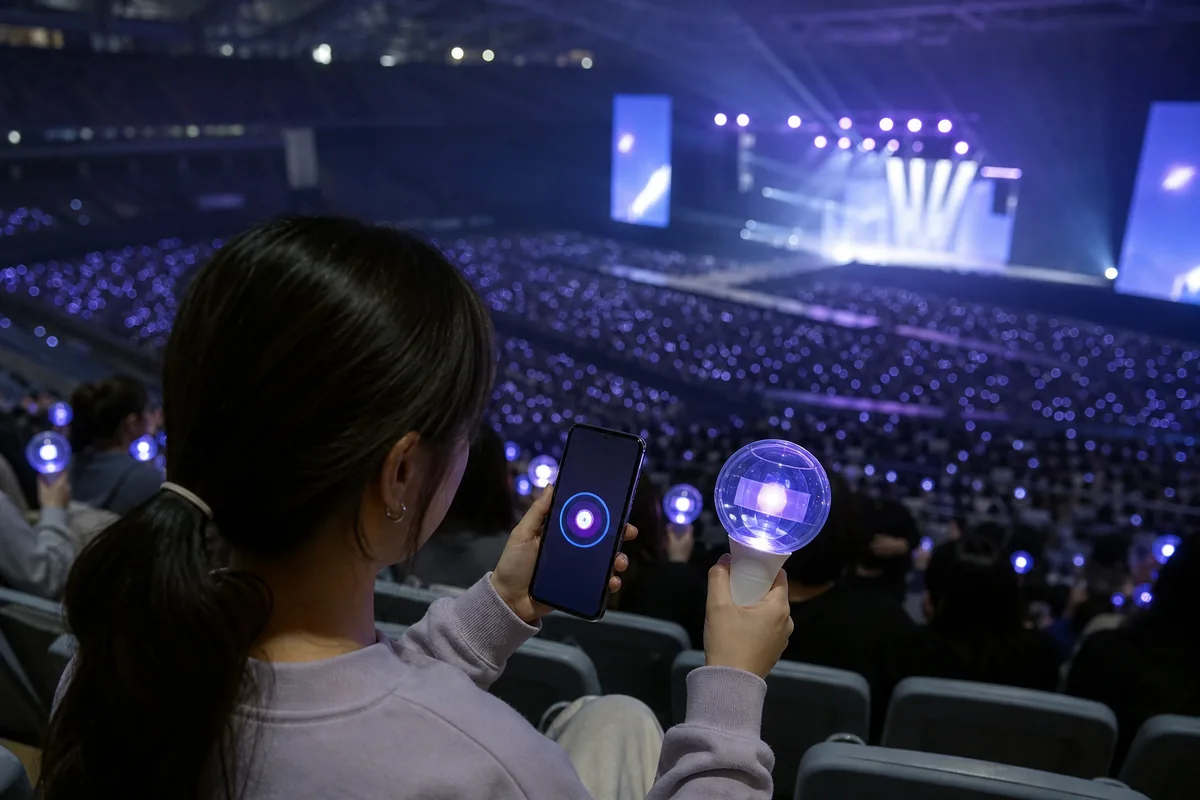
Some concerts use app connection and Bluetooth sync so the venue can control the lightstick color or pattern. This is common at large shows and major arenas. The app may be artist-specific or linked to a larger platform such as Weverse, depending on the event.
Usually, you need to download the required app, log in, enable Bluetooth, and follow the pairing steps before the concert begins. In some cases, you also need to register your seat number or scan a code shown at the venue.
Setup tip: Do not wait until you are inside the venue to install the app. Mobile data and Wi-Fi can be slow when thousands of people are connecting at once.
Typical setup steps
- Download the official app before concert day.
- Log in and complete any verification steps.
- Turn on Bluetooth.
- Open the event or lightstick menu.
- Register your seat if the notice says it is required.
- Keep your phone charged.
Concert day checklist
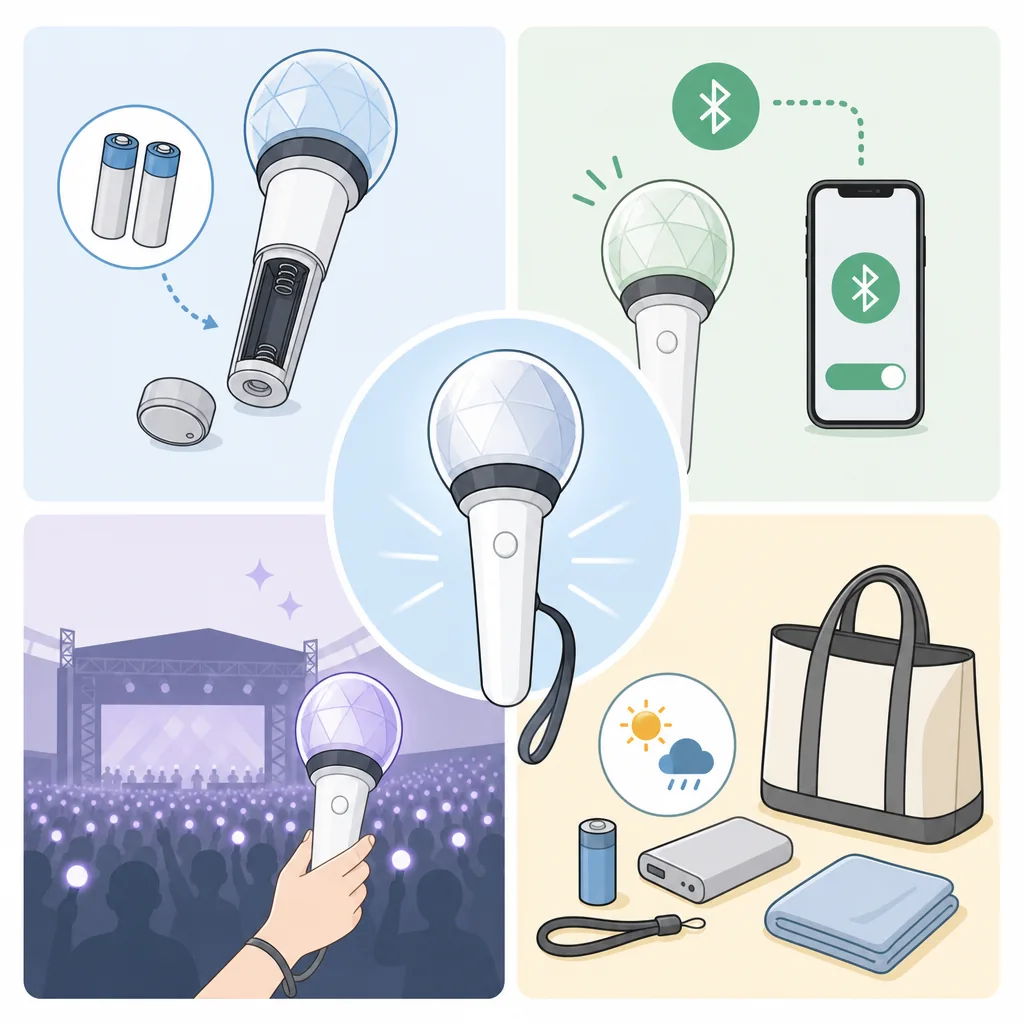
- Official lightstick
- Fresh batteries or a fully charged device
- Spare batteries if needed
- Required app installed and logged in
- Bluetooth enabled
- Phone charged
- Official notice saved offline
- Ticket ready
Common situations
If staff checks your lightstick at the entrance
Show the lightstick clearly and stay calm. Staff may check the model, power, or compatibility. If there is a problem, ask politely what version is required and whether the venue sells the correct one.
If the lightstick does not sync
Check Bluetooth first, then check the app, then check the batteries. If the lightstick is an unofficial or incompatible model, it may still work in manual mode, but not in synced mode.
If the app will not open the pairing menu
Some pairing functions are only activated during the event window. Check the official notice for timing and setup details.
If the batteries die during the show
Use your spare set if you have one. Practice opening the battery compartment at home so you can do it quickly if needed.
What foreigners often get wrong
- Buying an unofficial lightstick and expecting it to sync.
- Using the app from a previous concert without checking the new notice.
- Installing batteries too late and finding out they are weak or dead.
- Turning off Bluetooth to save phone battery.
- Ignoring seat registration when it is required.
- Waiting too long at the merchandise booth.
Useful Korean phrases
Warnings and things to check
Official sources only: Check the artist’s official fan community, official website, or ticketing notice for the latest rules. Social media posts can be incomplete or outdated.
Counterfeit products: Cheap unofficial lightsticks may not sync and may fail entry checks. If the price seems far below the official retail range, be cautious.
Venue differences: Rules can vary by concert hall, seating section, and organizer. Even the same artist may use different procedures on different dates.
Summary
If you are following lightstick rules in Korea, the safest approach is simple: bring the official model, prepare fresh batteries, and finish all app connection steps before you arrive. Then, read the official notice one more time on concert day in case the organizer changed anything.
FAQ
Does a visitor have to bring the official lightstick?
Usually, yes. Many concerts prefer or require the official artist lightstick, and unofficial items may not be allowed or may not sync correctly.
Can a visitor use rechargeable batteries?
Only if the product manual or official notice says they are allowed. Many lightsticks still use disposable AA or AAA batteries.
What if a visitor’s lightstick is from a previous version?
Check the official event notice. Some concerts allow older versions, but others require a specific model for syncing.
Does a visitor need the app if a visitor only want to wave the lightstick manually?
Not always. But if the concert uses synchronization, the app may be necessary for the full experience.
Can a visitor buy batteries near the venue?
Sometimes, but it is not something to rely on. Buying them early is safer.
Related and Official Resources
Sources & Verification
- Seoul Arts Center — www.sac.or.kr
Last checked: July 30, 2026