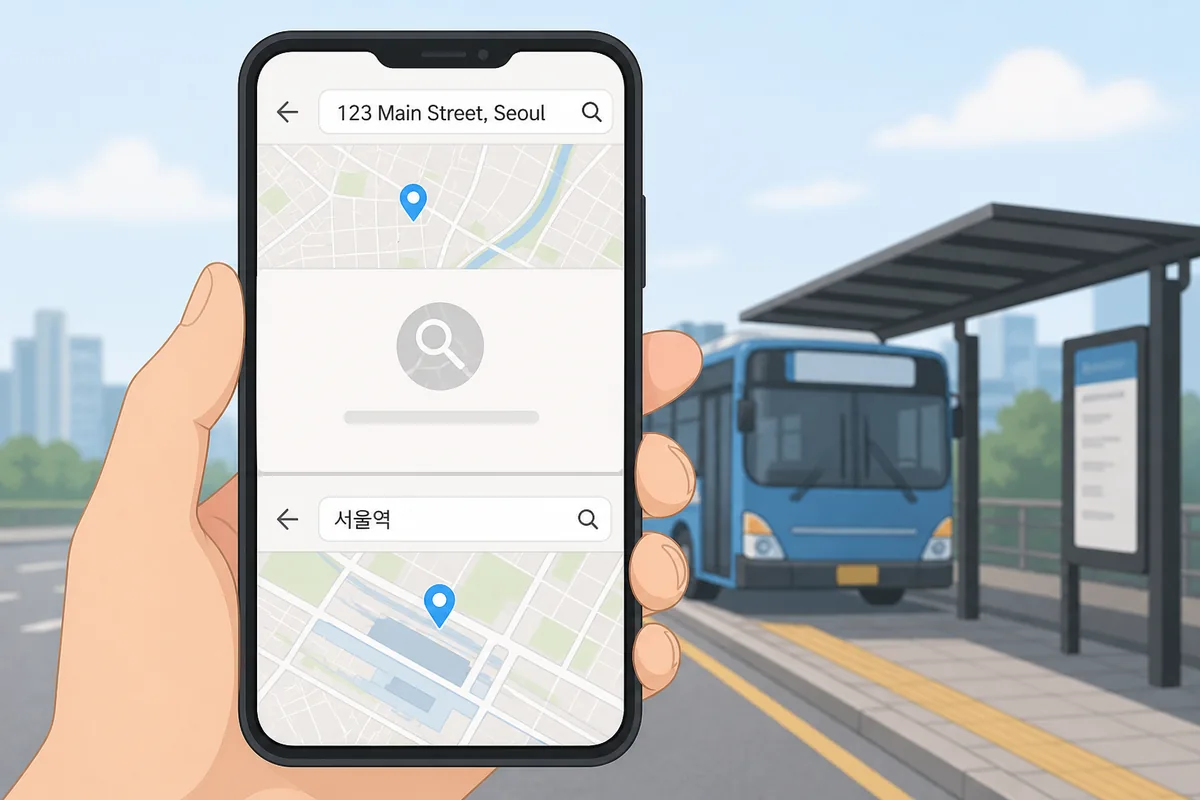
If Naver Map cannot find your naver map english address search in Korea, the problem is almost always the format, not the app. The fastest fix is to search the Korean place name, paste the full Korean road-name address, or try a nearby landmark instead of typing the English version. Check Naver official information for the current details.
Quick Answer
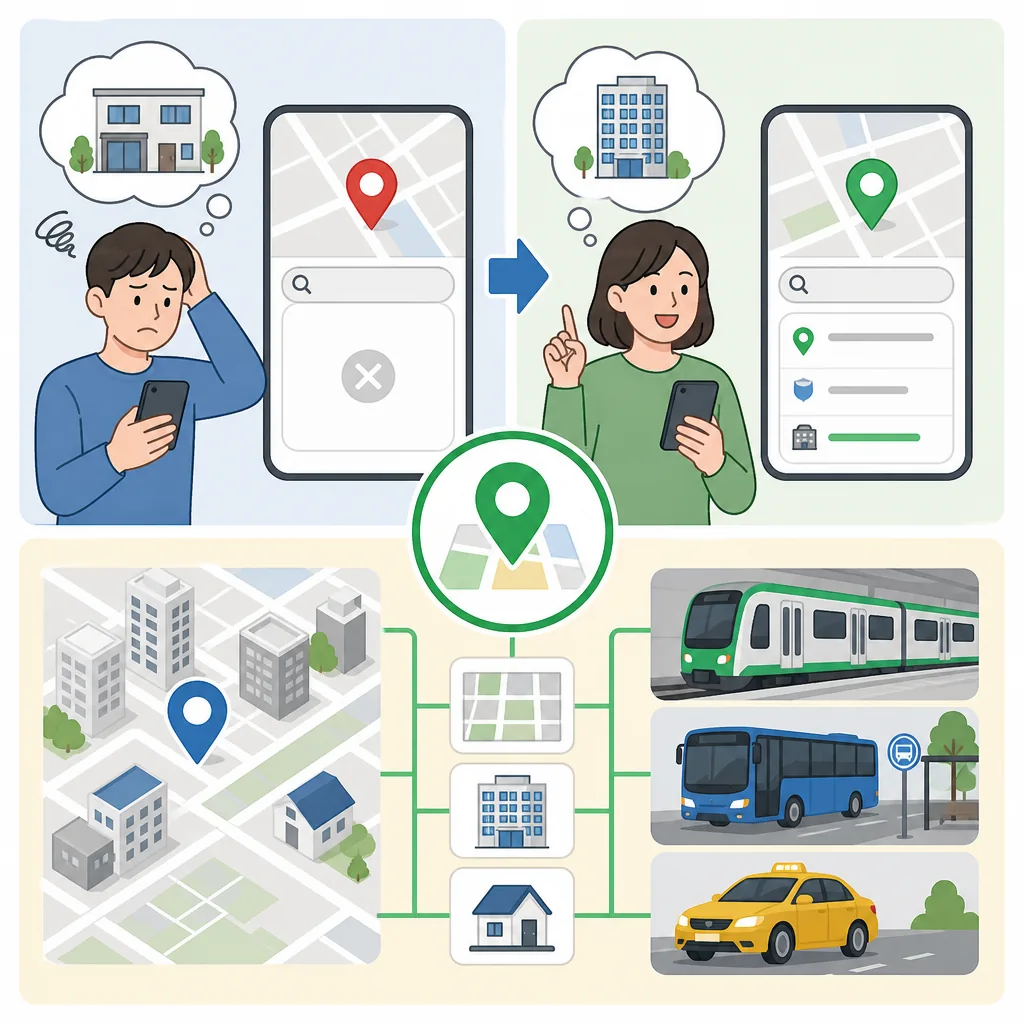
Naver Map is built around Korean place names and Korean-format addresses. English text — especially shortened hotel names, Google-style addresses, or translated venue names — often returns no result or the wrong pin. Switch to the Korean name from your booking confirmation, paste the full Korean address (도로명주소), or search a nearby subway station or landmark. One of these three methods works almost every time.
What to Do First
- Open your booking confirmation and find the Korean name of the place — it is usually printed below the English name.
- Copy that Korean name exactly and paste it into the Naver Map search bar.
- If the name search fails, find the full Korean address (도로명주소) on the booking page and paste that instead.
- If you have no Korean text at all, search the nearest subway station name first, then zoom in on the map.
- Try the building name or hotel chain name in Korean rather than the English brand spelling.
- If nothing works, show the booking confirmation screen to any nearby convenience store staff or hotel front desk — they can confirm the Korean name for you.

When This Guide Helps
This guide is for you if any of the following sounds familiar:
- You typed a hotel or restaurant name in English and Naver Map returned zero results or dropped a pin in the wrong neighborhood.
- Your booking confirmation shows an address like “123 Teheran-ro, Gangnam-gu, Seoul” and the map cannot find it.
- You searched a shortened name — “Grand Hyatt” instead of “그랜드 하얏트 서울” — and got no match.
- You copied an address from Google Maps and pasted it into Naver Map with no luck.
- You are trying to navigate to a guesthouse, cafe, or local restaurant that has no English listing at all.
The root issue is the same in every case: Naver Map indexes places primarily in Korean, and its address system follows Korea’s road-name address format (도로명주소), not the neighborhood-block system older guidebooks describe and not the free-text format Google uses.
The Fix in Order: What to Try and Why
Step 1 — Search the Korean Place Name First
This is the fastest method. Every hotel, restaurant, and attraction registered on Naver Map has a Korean name. Your booking confirmation, Airbnb listing, or restaurant reservation almost always includes it — look for the characters that are not Roman letters. Copy the Korean text and paste it directly into the Naver Map search bar.
A real example: searching “Lotte Hotel Seoul” may return nothing or the wrong branch. Searching 롯데호텔서울 finds the correct pin immediately. The Korean name is not a translation — it is the registered listing name the map uses as its primary key.
Step 2 — Paste the Full Korean Road-Name Address
Korea uses a road-name address system called 도로명주소. A full address looks like this: 서울특별시 중구 을지로 30. When you paste this complete string into Naver Map, the app resolves it precisely. Partial addresses or English transliterations such as “Euljiro 30, Jung-gu” are much less reliable.
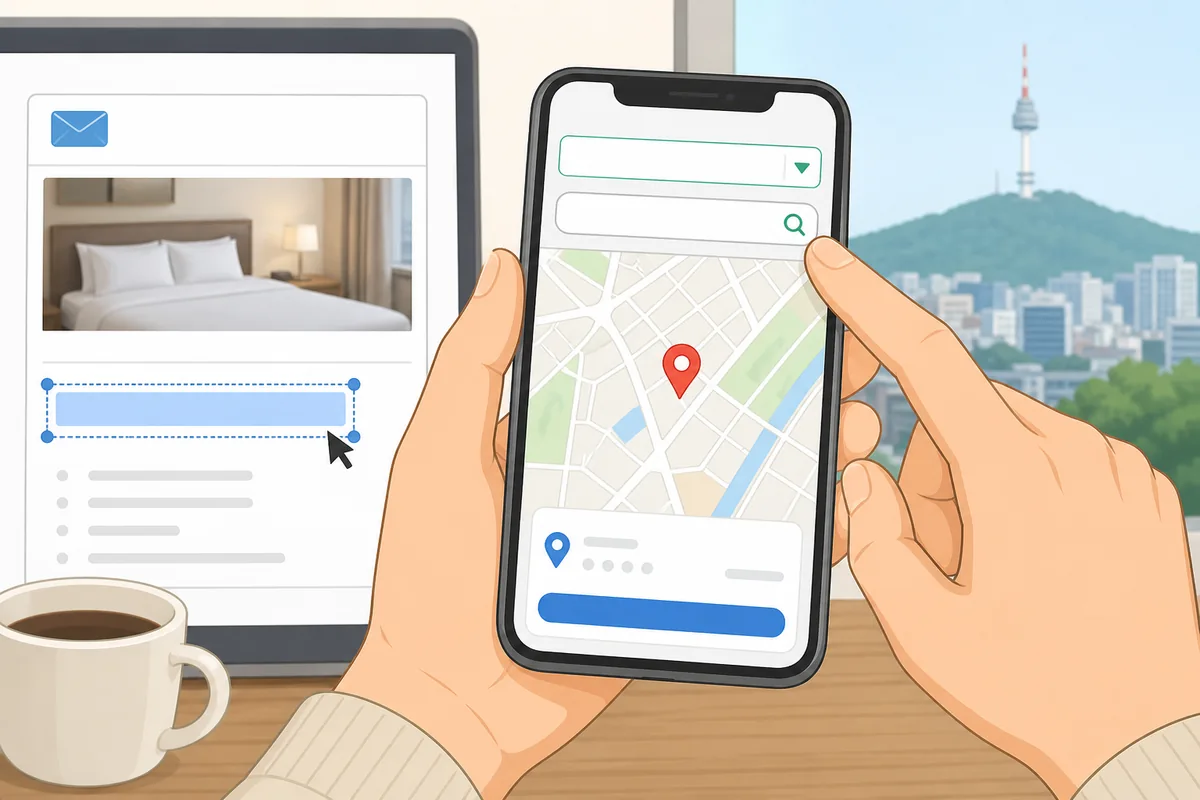
Where to find the Korean address: check the bottom of your booking confirmation, the venue’s official Korean website, or the Kakao Map listing for the same place. Once you have the Korean string, paste it into Naver Map — do not retype it character by character.
Step 3 — Search a Nearby Subway Station or Landmark
If you have no Korean text at all, type the nearest subway station name. Station names in Naver Map work in both English and Korean — “Hongdae” and “홍대입구” both return the correct pin. From there, zoom in on the map and look for the building visually. This method is slower but it always gives you a reliable starting point on the correct part of the map.
Famous landmarks — large department stores, university campuses, major hospitals, and well-known markets — also work as anchor searches. Search “코엑스” or “COEX” and you will land in the right part of Gangnam instantly.
Step 4 — Try the Building Name Instead of the Business Name
Many small cafes, restaurants, and guesthouses in Korea are listed under their building name or complex name rather than their own trade name. If a cafe called “Blue Morning” is inside a building called 삼성빌딩, searching the building name may find the location even when the cafe name returns nothing. Check your booking for any building or complex reference.
Korean Phrases You Can Show
If you are stuck, show one of these phrases on your phone screen to a nearby person — hotel staff, a convenience store worker, or a tourist information volunteer.
Useful Korean Signs or Words
Knowing these words helps you read what Naver Map shows on screen and understand address labels in Korea.

Where to Get Help
If you are genuinely stuck and cannot find the place at all, these are your most reliable options in Korea:
- Your hotel front desk — show them the booking confirmation. They can find the Korean address, confirm the correct Naver Map pin, and often write it down for you.
- Tourist information centers — Korea Tourism Organization operates staffed centers at major airports and popular neighborhoods. Staff speak English and can look up Korean addresses in person.
- Convenience store staff — GS25, CU, and 7-Eleven staff are used to helping confused visitors. Show the booking screen and ask them to find the Korean name.
- The 1330 Korea Travel Helpline — dial 1330 from any phone in Korea for English-language travel assistance including address help. This line is operated by the Korea Tourism Organization.
Common Mistakes
- Typing a translated English name — “Myeongdong Cathedral” works, but “명동성당” works more reliably. Always prefer the Korean version when you have it.
- Using only part of the address — pasting “Teheran-ro 521” without the city and district often fails. Always paste the full Korean address string including 서울특별시 or whichever city prefix applies.
- Copying from Google Maps and expecting it to work in Naver Map — Google formats addresses differently. The transliterated version (“521 Teheran-ro, Gangnam-gu”) is not the same as the Korean string Naver Map expects.
- Searching a brand name in English when the Korean brand name is different — some international hotel chains have Korean names that do not match the English spelling phonetically. Always check the Korean name on the official booking page.
- Ignoring the autocomplete dropdown — when you start typing in Naver Map, a dropdown appears. Scroll through it before hitting search. The correct place often appears in the list even when the final search result fails.
- Assuming the first pin is correct — Naver Map sometimes returns a result in the wrong city when names are common. Always check that the district (구) in the result matches your expected neighborhood before navigating.
Official Resource
The Korea Tourism Organization operates the 1330 Travel Helpline and maintains official tourism information in English, including guidance on navigating Korean addresses. Their tourist information centers at Incheon International Airport and in central Seoul can assist with address lookups in person.
For verifying a Korean road-name address, the Ministry of the Interior and Safety operates the official Korean address search system (도로명주소 안내시스템), which allows you to look up any registered address in Korea and copy the correct Korean string for use in Naver Map.
Related Korea Guides
The platform will insert related guides here automatically.
Why can’t Naver Map find my English address in Korea?
Naver Map indexes places primarily in Korean. When you search a naver map english address — especially a translated hotel name or a Google-style transliteration — the app often finds no match because the registered listing name is in Korean. The fix is to use the Korean place name or the full Korean road-name address (도로명주소) instead.
Can I paste a Korean address into Naver Map?
Yes, and this is one of the most reliable methods. Copy the full Korean address string from your booking confirmation or the venue’s Korean website — something like 서울특별시 강남구 테헤란로 521 — and paste it directly into the Naver Map search bar. Naver Map resolves complete Korean addresses very accurately. Partial addresses or English transliterations are far less dependable.
Should I search by road-name address or place name in Korea?
For well-known hotels, restaurants, and attractions, searching the Korean place name is faster. For smaller guesthouses, local cafes, or any place without a strong Naver listing, the full Korean road-name address (도로명주소) is more reliable. When in doubt, try the place name first, then switch to the address if the result is wrong or missing.
What if the hotel name does not appear on Naver Map?
First, try the Korean name rather than the English brand name — check your booking confirmation for Korean characters. If the name still does not appear, paste the full Korean address. As a fallback, search the nearest subway station, zoom in on the map, and look for the building visually. If you are still stuck, the hotel’s own front desk or the 1330 Korea Travel Helpline can confirm the correct Korean name or address for you.
The Short Version
Naver Map works best with Korean text. When an English address fails, switch to the Korean place name from your booking, paste the full Korean road-name address, or anchor your search on the nearest subway station. These three steps solve the problem in almost every situation — no Korean language skills required, just copy and paste.
Note: This guide is for travel navigation in Korea. It is not medical, legal, or emergency professional advice. For urgent situations, contact local emergency services, official staff, or your embassy/consulate as appropriate.
Sources & Verification
- 네이버 검색 고객센터 — Naver
Last checked: August 7, 2026