Quick Answer
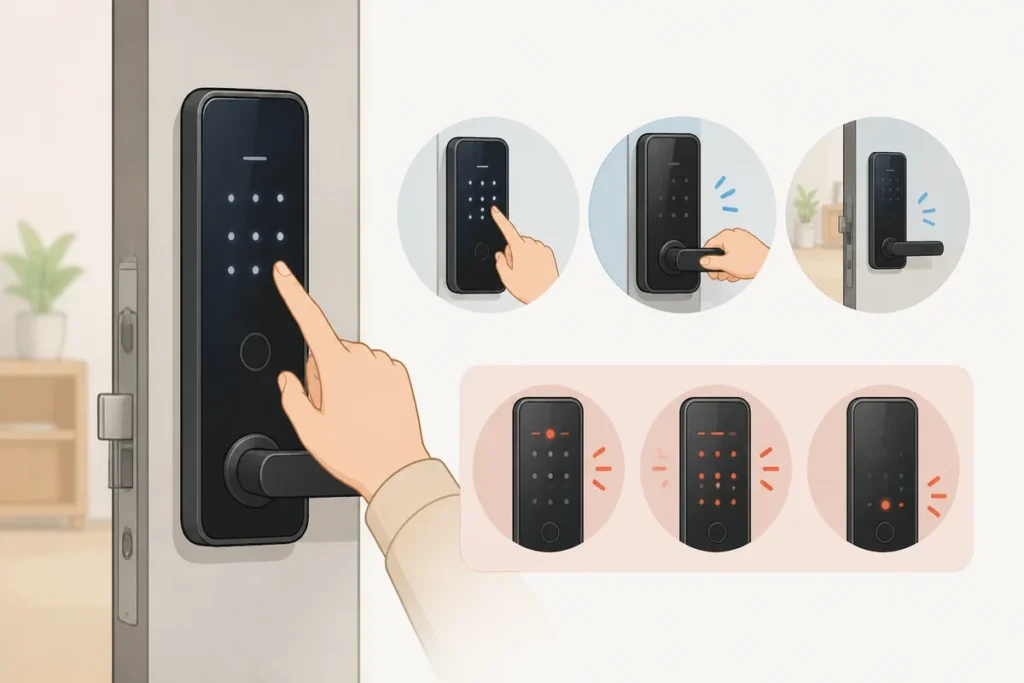
If the keypad on your korean digital door lock is dark, touch the surface or press the wake button first, then enter the code in one steady sequence. Wait for the green light, beep, or click that confirms it opened. To lock from outside, close the door firmly and use the exterior lock button or the auto-lock method shown by the host or front desk.
What to Do First
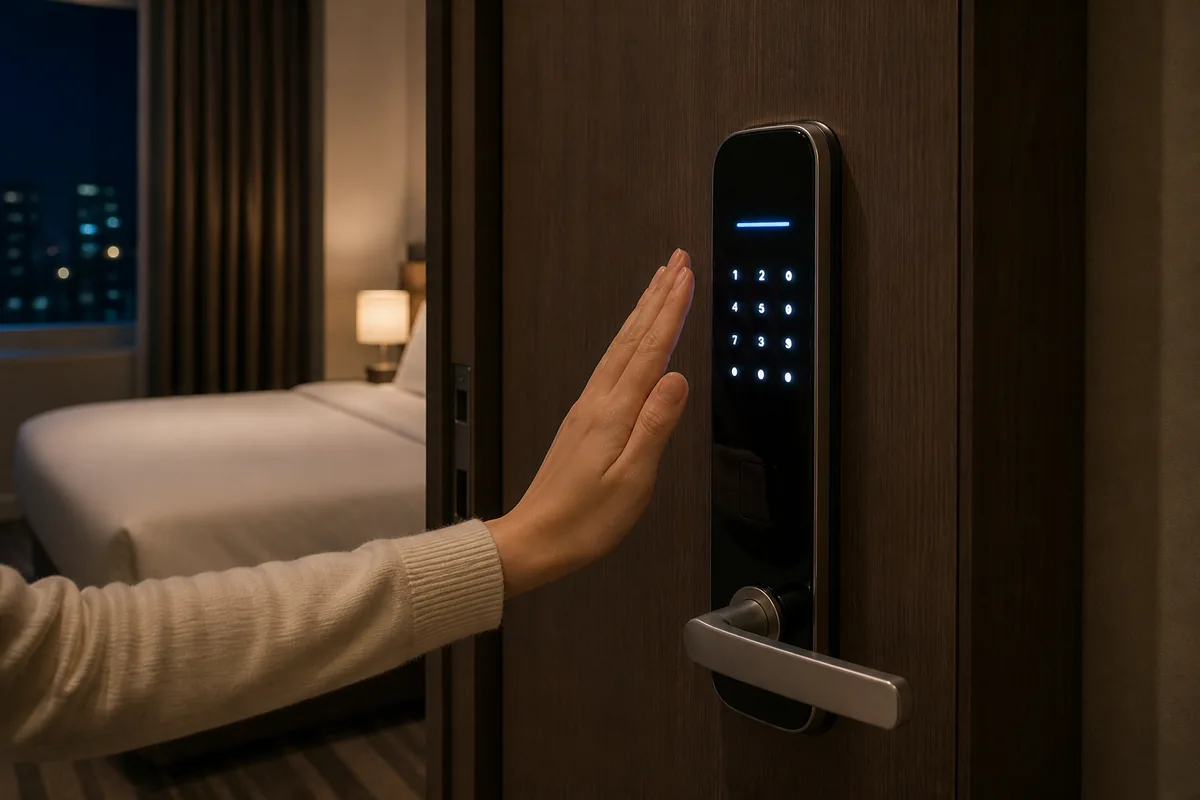
- Wake the keypad by touching it lightly or pressing the small wake button.
- Enter the full code without long pauses between digits.
- Look for the unlock signal: green light, beep, or click.
- Open the door right away after it unlocks.
- To lock from outside, close the door fully before pressing any outside lock button.
- Check the instruction card, check-in message, or front desk note for your exact model.
- If you see red lights, repeated beeps, or an error display, stop and re-enter the code from the start.
When This Guide Helps
This guide helps when you are staying in a hotel, guesthouse, or rental and need to use a Korean digital door lock for the first time. It covers the normal way to wake a sleeping keypad, enter an access code, read the lock signal, and lock the door when leaving. If the model is unfamiliar, the printed instructions or the front desk message usually give the exact steps. Check VISITKOREA – Imagine Your Korea for the current details.
How a korean digital door lock Works
Most doors in Korean accommodations use an electronic keypad instead of a metal key. The exterior panel often goes dark to save battery, so the first step is usually just waking the screen. Once the keypad lights up, you enter the code and wait for the confirmation signal.
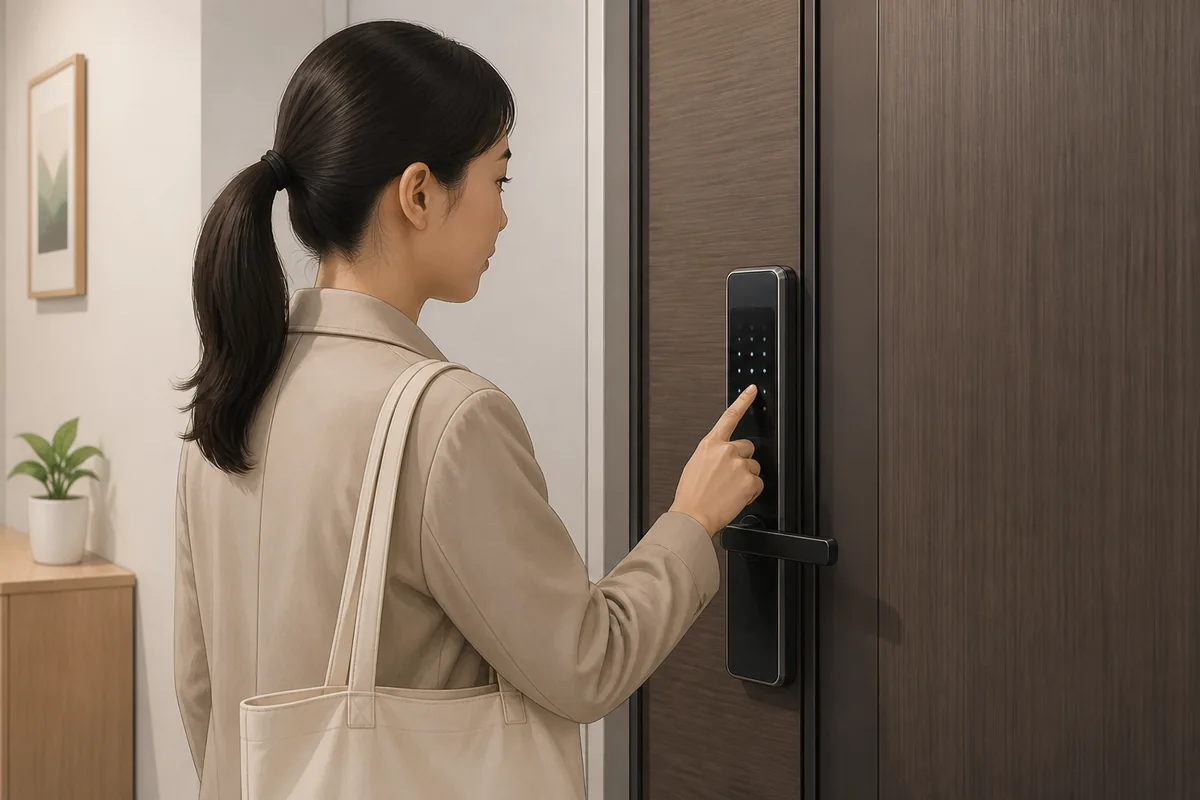
Step 1 — Wake the Keypad
Touch the keypad area lightly or press the dedicated wake button if there is one. On touchscreen models, a gentle tap is enough. On button-style locks, pressing any number usually wakes the display. Wait a second for the screen or numbers to light up before typing the code.
Step 2 — Enter the Code
Type the full code in one smooth motion. Do not pause too long between digits, because many locks reset if the input is too slow. Some models need a confirm key such as #, *, or a button with a lock icon after the last digit. Use the exact method shown in your check-in instructions.
Step 3 — Confirm the Unlock Signal
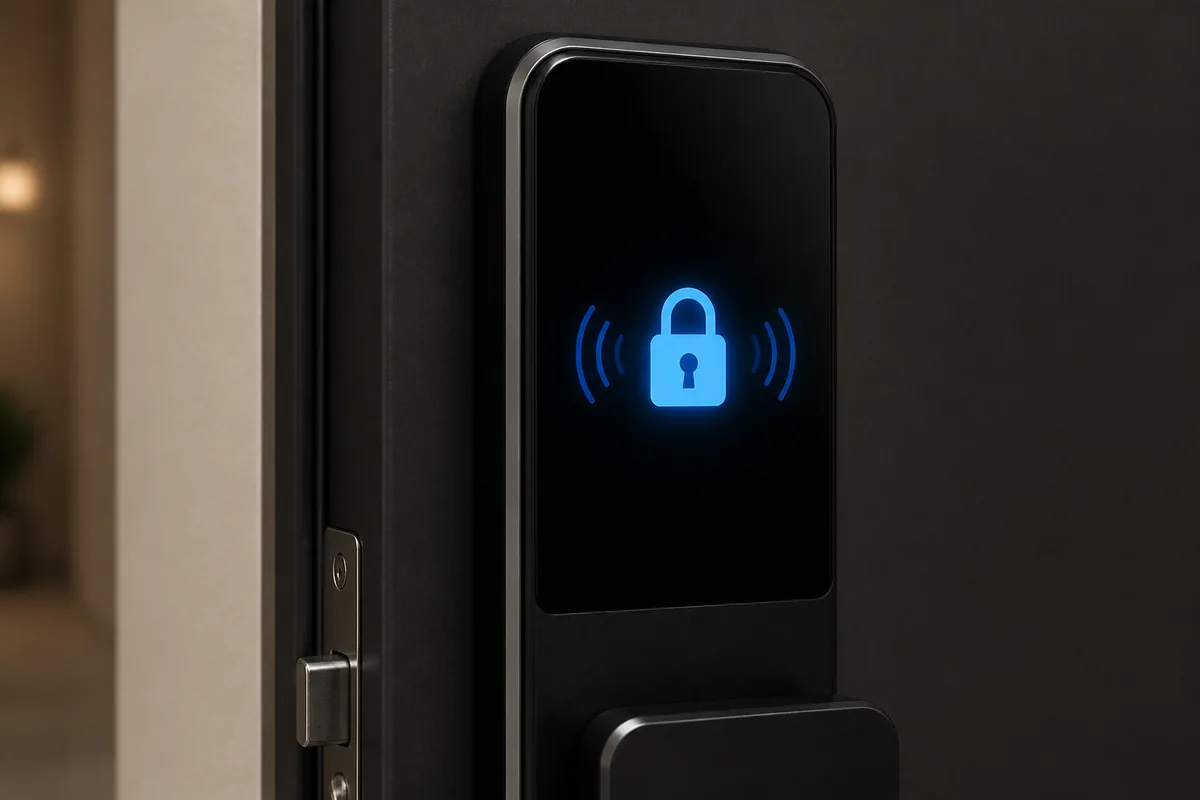
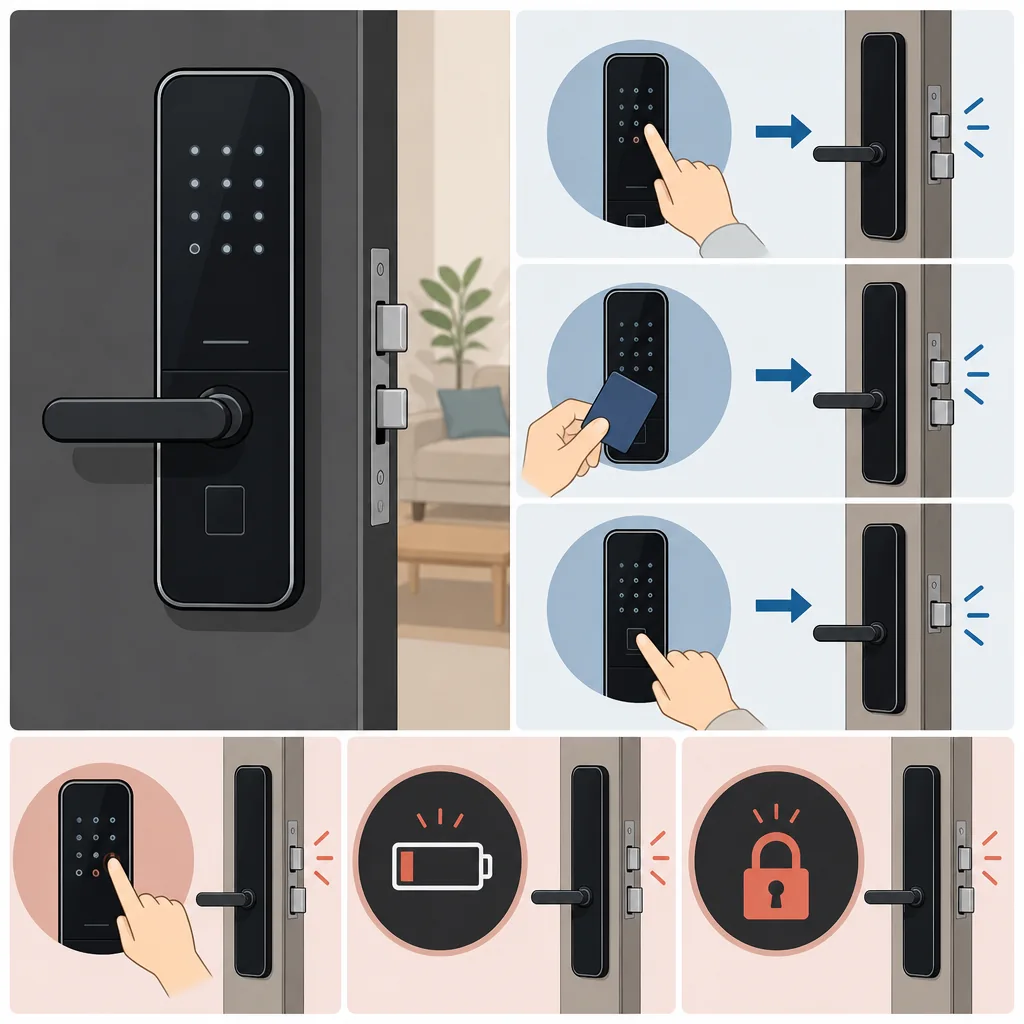
A successful entry usually gives a green light, a short beep, or a click from the bolt. Open the door right away after that signal. If you wait too long, the lock may automatically secure again.
Step 4 — Lock from Outside
Close the door firmly until it sits flush with the frame. Then look for a lock button on the outside keypad, often marked with a padlock icon or the word 잠금. Press it once if your model needs manual locking. Some newer locks auto-lock as soon as the door closes, so no extra button is needed.
korean digital door lock Phrases You Can Show
Useful Phrases for the Front Desk or Host
Useful Korean Signs or Words
Words You Might See Near the Lock
Where to Get Help
If the lock does not respond after a couple of careful tries, the fastest help is the host or front desk. In hotels, call the front desk or use the in-room phone if you are inside. In guesthouses and rentals, check the message thread or check-in card for the contact number and the exact model instructions.
If you are standing outside and cannot reach anyone, look for a building manager or an office near the entrance. Some apartment-style rentals also have an intercom or management desk in the lobby area.
Common Mistakes
- Skipping the wake step. The keypad is often asleep until you touch it.
- Entering the code too slowly. A long pause can reset the input.
- Missing the final confirm button. Some locks need #, *, or a lock icon press.
- Trying to open too late. The lock may relock quickly after the signal.
- Locking before the door is fully closed. The bolt needs the door to sit properly in the frame.
- Ignoring error lights or repeated beeps. Those usually mean the input was not accepted.
- Assuming every lock works the same way. Model details vary by property, so the instruction card matters.
Related Korea Guides
FAQ
How do I wake up a Korean digital door lock keypad?
Touch the keypad lightly or press the wake button if there is one. On many models, the display lights up after a second, then you can enter the code. Starting too early is a common reason the first digit gets missed.
Why is the lock beeping when I enter the code?
A beep or red light usually means the code was entered wrong, too slowly, or without the final confirm button. Wake the keypad again and try the full code from the start. If it keeps beeping before you touch anything, the battery may be low.
How do I lock a Korean digital door lock from outside?
Close the door firmly, then press the outside button marked 잠금 if your lock has one. Some models lock automatically as soon as the door closes. The check-in note or front desk can confirm which type you have.
What should I do if the lock shows an error?
Stop pressing random buttons, wait a moment, and enter the code again from the start. If the display still shows 오류 or 에러 after a few tries, contact the host or front desk and show them the problem on the keypad.
Note: This guide is for travel navigation in Korea. It is not medical, legal, or emergency professional advice. For urgent situations, contact local emergency services, official staff, or your embassy/consulate as appropriate.
Sources & Verification
- VISITKOREA – Imagine Your Korea — english.visitkorea.or.kr
Last checked: August 7, 2026