Kiosk in Korea: How to Use a Korean Kiosk
kiosk in korea is a self-service touchscreen machine that lets you order and pay without speaking to a staff member. You will see it in fast-food restaurants, cafes, Korean casual restaurants, and sometimes convenience stores or ticket counters. If you know the basic flow before you walk up, the whole process usually takes only a few minutes.
This guide explains what the buttons mean, how payment works, and what to do if the screen is only partly in English.
Quick Answer: How to Use a Korean Kiosk
- Choose your language if the kiosk offers one.
- Select dine-in or takeout.
- Pick your items and customize them if needed.
- Review your order and pay, usually by card.
- Take your receipt or order number and wait for pickup.
What a Kiosk in Korea Is
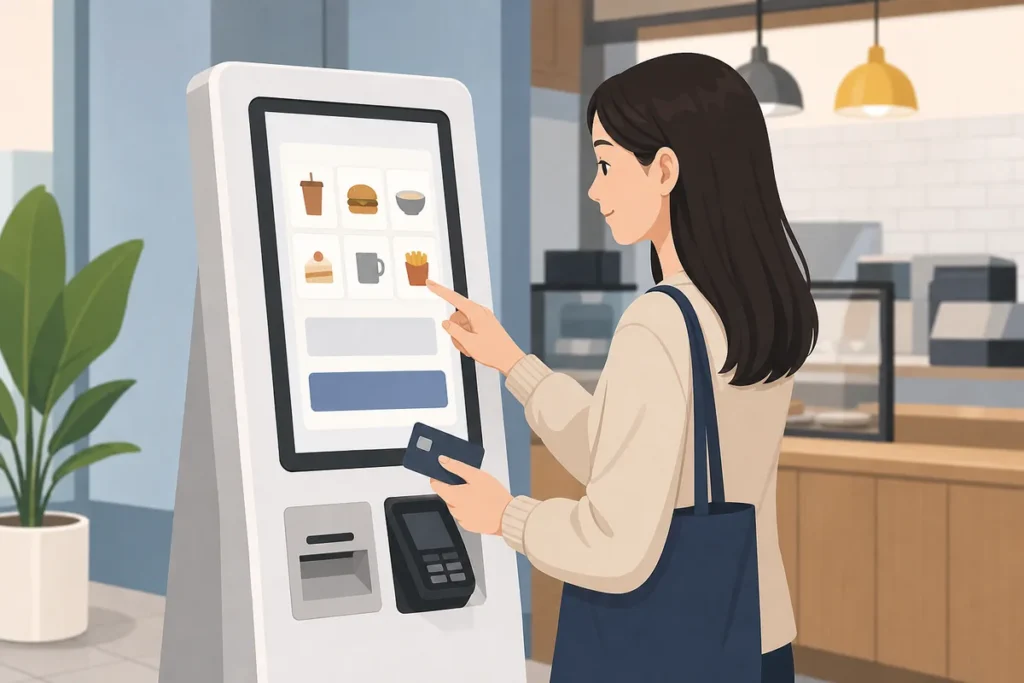
In Korea, a kiosk is a freestanding or counter-mounted touchscreen terminal used for ordering and payment. Many places use kiosks to reduce queues and speed up service, so you may not see a staffed counter for regular orders.
You will most often find them at fast-food chains, Korean fried chicken shops, cafes, casual restaurants, and some convenience stores. In some places, the kiosk is the main way to order.
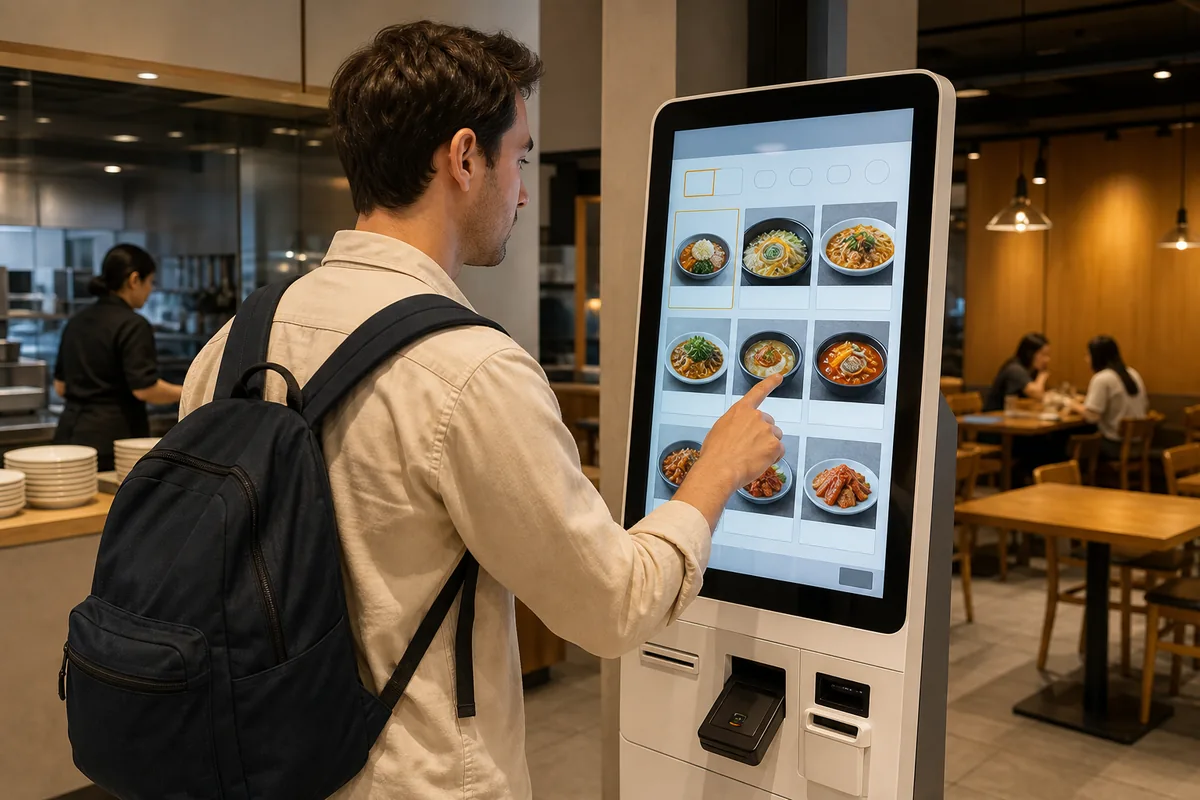
Step-by-Step: kiosk in korea
1. Wake the screen and choose a language
Tap the screen to wake it up. The first screen often shows language options such as English, Chinese, or Japanese. If English is available, choose it before doing anything else.
If there is no English option, use the pictures and prices to navigate. Most kiosks show clear food photos, so you can still order even if the text is limited.
2. Choose dine-in or takeout
Many kiosks ask this early. The Korean words are 매장 for dine-in and 포장 for takeout. In English, the buttons usually say Dine In and Take Out.
Pick carefully, because this choice can affect packaging and the way your order is processed.
3. Browse the menu and add items
Menu categories are usually arranged across the top of the screen. Tap a category, tap the item you want, and answer any pop-up questions about size, temperature, toppings, or extras. Then tap the add or confirm button to put it in your cart.
Your total will usually appear in a cart area on the screen. You can review or remove items before moving on.
4. Review your order
Before payment, the kiosk usually shows a final summary. Check the items, quantity, and total price carefully. It is much easier to fix mistakes now than after you pay.
5. Handle membership or phone number prompts
Some kiosks ask for a membership number or a Korean phone number for points or discounts. If you do not have one, look for 비회원 or a skip button. This is usually optional and not required to finish the purchase.
6. Pay by card
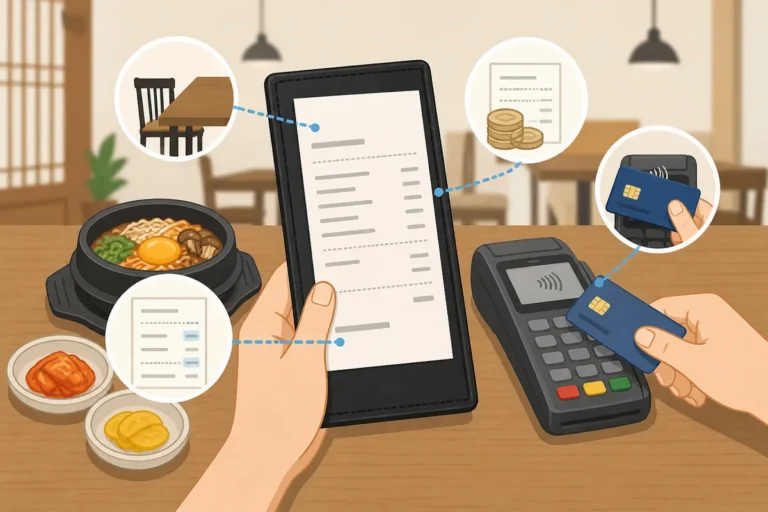
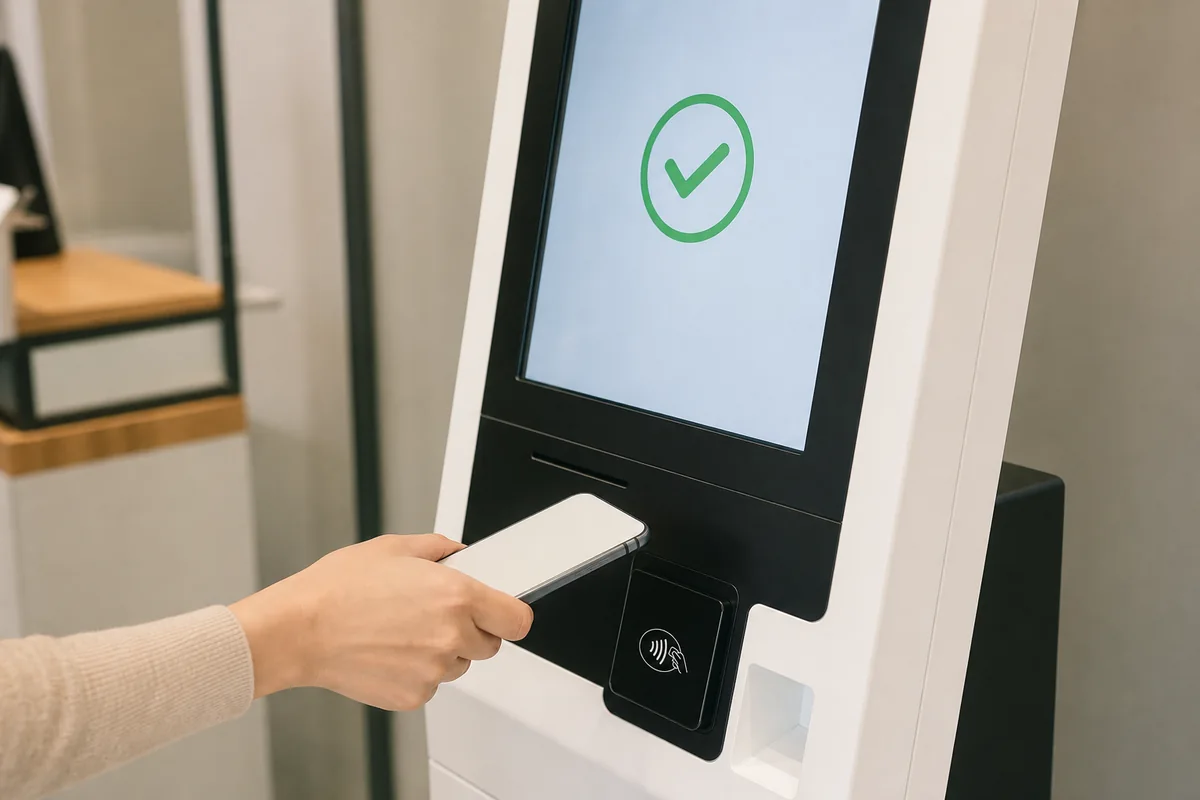
Most kiosks in Korea are card-only, so cash often is not accepted. Foreign Visa and Mastercard cards usually work, and some kiosks also support mobile payments. The card reader is often on the side or lower part of the machine.
Insert your card or tap it if contactless payment is supported. Some machines may ask for a PIN, while others simply confirm the payment.
7. Take your receipt and wait
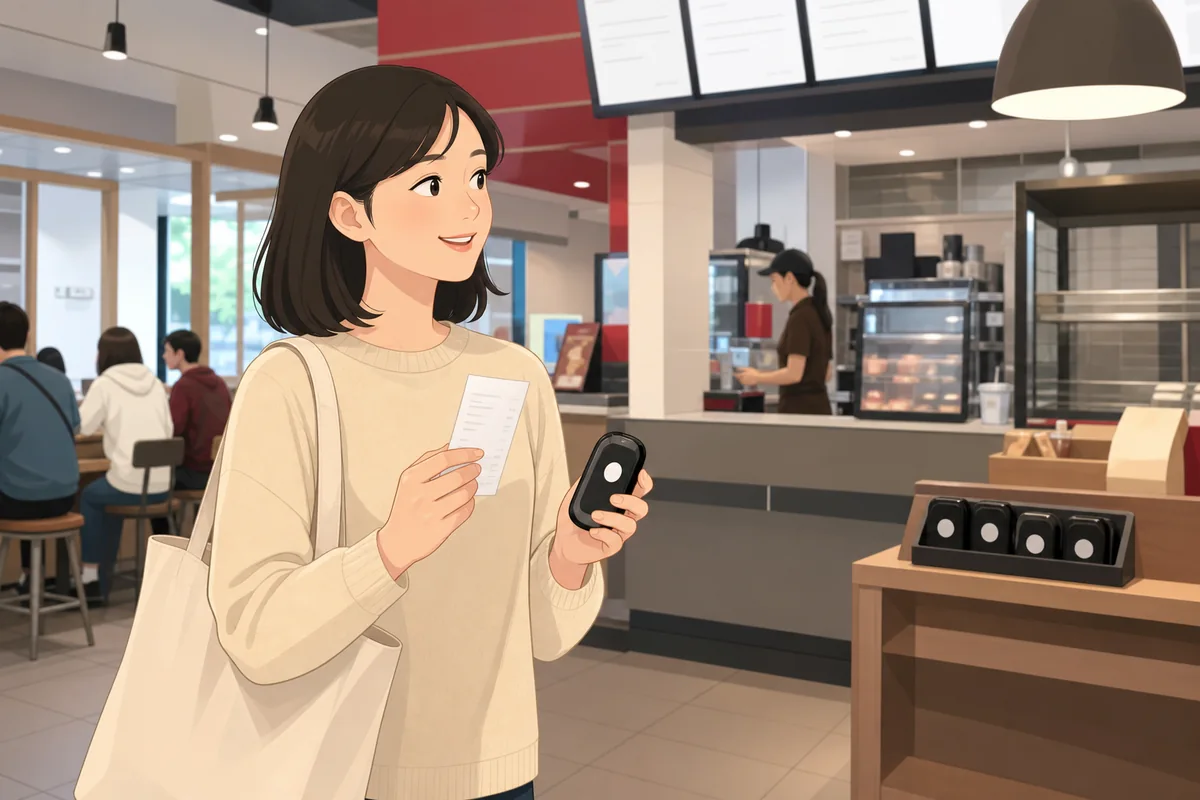
After payment, the kiosk may print a receipt or show an order number on the screen. Keep the receipt if one prints, since it may be needed for pickup. Then watch the display board or listen for your number to be called.
At cafes, the kiosk may ask for your name so staff can call it when your drink is ready.
Common Screen Words You Will See
Common Situations
Fast-food restaurants
Fast-food kiosks are usually straightforward. Choose your language, select dine-in or takeout, build your meal, pay, and wait for your number to appear on the screen above the counter.
Cafes
Cafe kiosks often ask for hot or iced, size, and sometimes your name. If there is an upsize option, it may appear as an extra pop-up before payment.
Korean casual restaurants
In some Korean restaurants, you order at the kiosk before sitting down. Others may still bring food to your table after you pay, so follow the store’s flow and watch for table number prompts if needed.
What Foreigners Often Get Wrong
- Waiting for staff to take the order when the kiosk is the only ordering method.
- Missing the dine-in or takeout choice at the start.
- Assuming cash will work.
- Not taking the receipt or order number.
- Rushing through membership screens without checking for a skip button.
Warning
If the store is busy, finish your menu choice before stepping up to the kiosk. This helps keep the line moving and reduces mistakes. If you cannot understand the screen, it is usually fine to ask a staff member for help.
Useful Korean Phrases
FAQ
Can foreigners use kiosks in Korea?
Yes. Many kiosks have English options, and even when they do not, the photos and prices usually make ordering manageable.
Can a visitor pay with cash?
Usually not. Many kiosks are card-only, so it is best to carry a credit or debit card.
What if a visitor make a mistake?
If you have not paid yet, go back and fix it on the screen. If you already paid, ask staff right away and show the receipt if you have one.
Do all kiosks in Korea have English?
No. Larger chains are more likely to have English, while smaller local shops may not.
Summary
A kiosk in korea is usually easy once you know the order: choose language, pick dine-in or takeout, select your food, pay by card, and wait for your number. If you stay calm and check the screen before confirming, you can use most Korean kiosks without any problem.
For more general visitor information, official tourism resources such as VisitKorea can also be helpful.