Withdraw Cash Korea: What You Need to Know
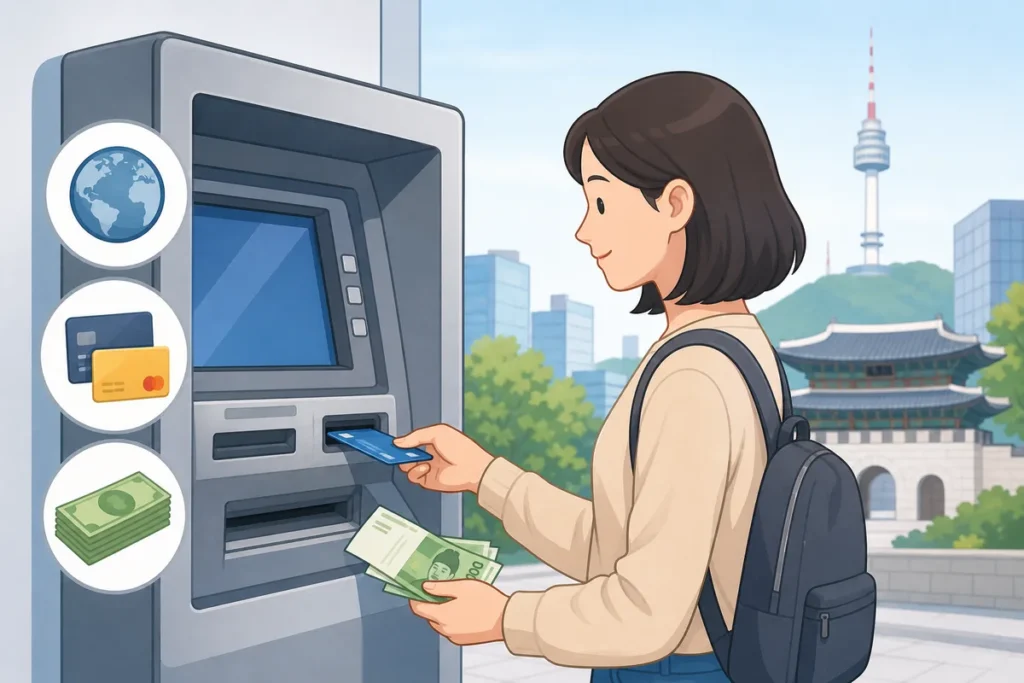
If your foreign card ATM attempt in Korea is failing, the fix is usually simple: use a Global ATM, choose the right account type, enter your PIN exactly as your bank expects, and decline any currency conversion offer. Most foreign cards work at English-language ATMs in airports, convenience stores, and major bank branches once you are at the correct machine.
What to Do First
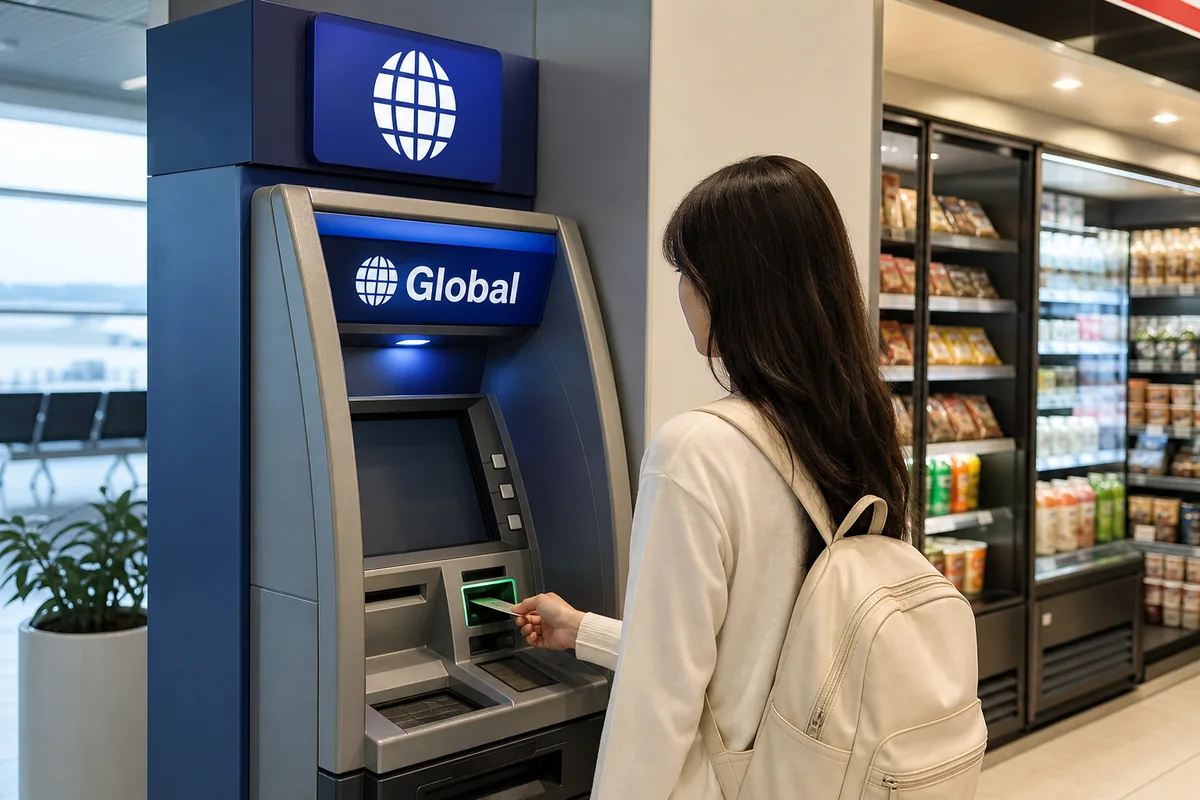
- Look for a machine labeled Global ATM or one with international card logos.
- Switch the screen to English before you start the withdrawal.
- Choose Checking unless your bank specifically uses a savings-linked card.
- Enter your PIN exactly as your bank set it, with no extra digits.
- Choose Korean Won if the machine offers to convert the amount for you.
- If the card fails, try another Global ATM before assuming the card is broken.
When This Guide Helps
If you need cash in Korea and your foreign card ATM transaction keeps failing, this guide shows the normal fix: use a Global ATM, follow the English prompts, and avoid the common screen choices that trigger rejection. It is especially useful if the machine asks for checking or savings, your card is rejected on the first try, or the ATM offers a conversion you do not want.
This is a travel cash guide only. It does not cover opening a Korean bank account or using mobile payments.
What to Do First
Before you stand at the ATM, check that your bank allows overseas cash withdrawals and that your daily limit is high enough. A card that works for purchases can still be blocked for ATM withdrawals abroad, so confirming this first saves time.
Next, use a Global ATM. These are the machines most likely to accept foreign Visa, Mastercard, Maestro, Cirrus, UnionPay, and similar cards. You will usually find them at airports, convenience stores, major bank branches, and larger transit hubs. If a machine has no clear Global label or international network logos, skip it.
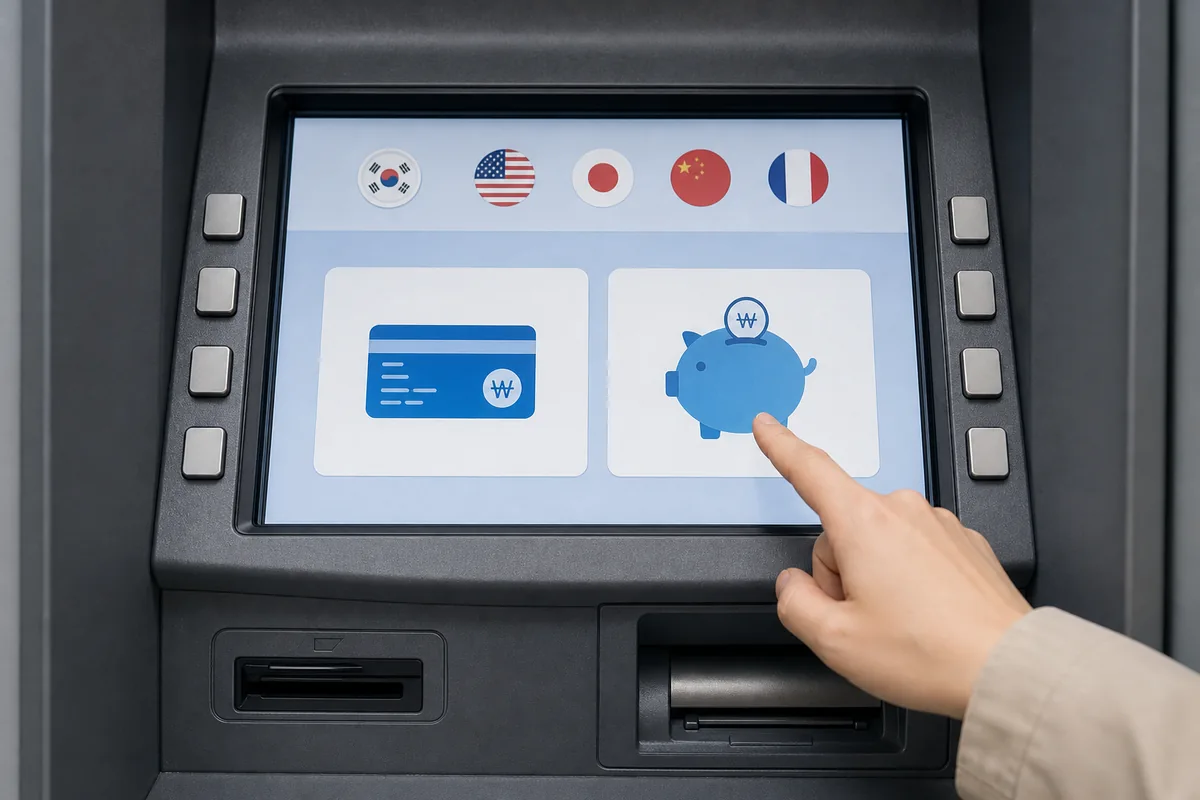
At the machine, choose English first. Then select cash withdrawal, enter the amount, and follow the prompts carefully. If the screen asks for account type, choose Checking first. That is the standard option for most foreign debit and credit cards.
If the ATM asks whether to charge in Korean won or your home currency, choose Korean won. That avoids dynamic currency conversion, which usually gives you a worse exchange rate.
Korean Phrases You Can Show
You can usually use the ATM in English, but these phrases help if you need to ask staff where the machine is.
Useful Korean Signs or Words
These labels are the ones you are most likely to see on ATM fronts and screens.
Where to Get Help
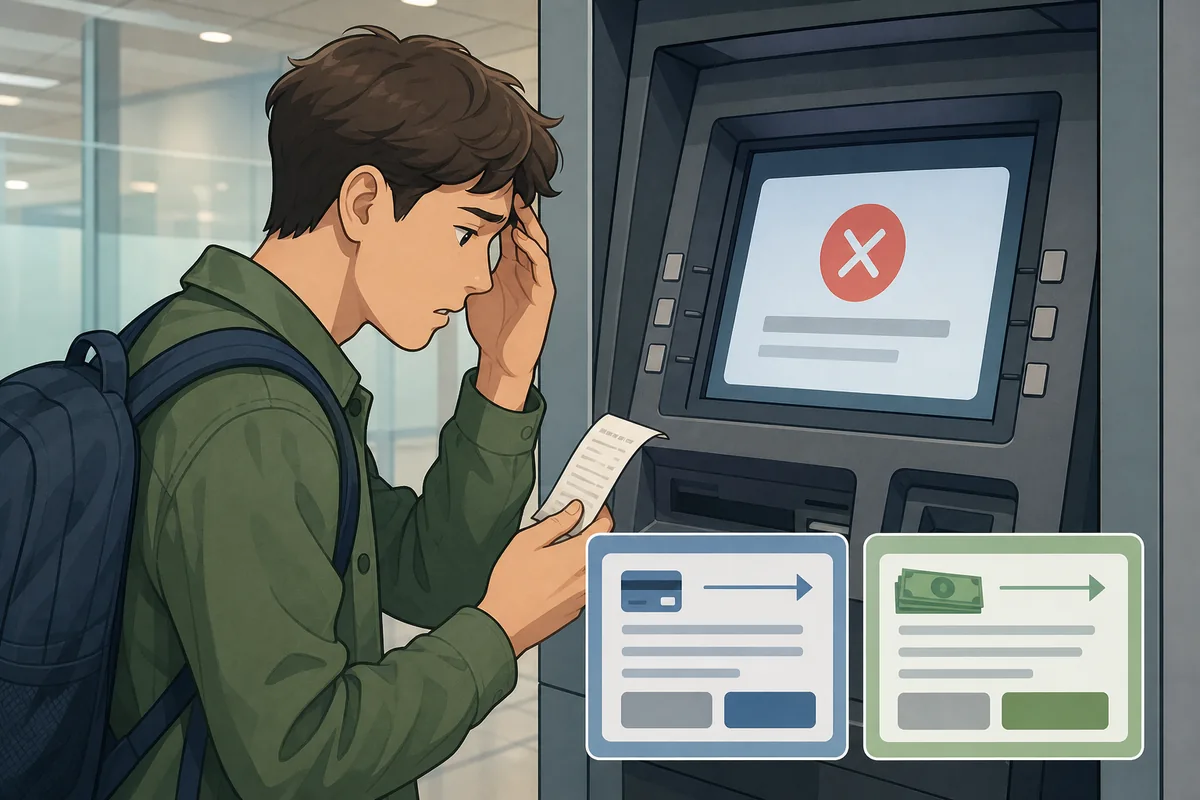
If one ATM rejects your card, try a different Global ATM in the same area. Different banks sometimes handle foreign cards differently, even when the machines look similar.
For the most reliable backup, use a staffed bank branch, especially at major airports or in central shopping areas. Bank staff can often point you to a compatible machine nearby.
Convenience stores are also useful because their ATMs are easy to spot and often clearly marked for foreign cards. If a store worker is nearby, you can show the phrase for Global ATM and ask where it is inside the store.
If your bank has not enabled overseas ATM use, the fastest fix is usually through your bank’s app or customer service line. That is often the reason a card works for purchases but fails at the ATM.
Common Mistakes
Using the wrong ATM type. A regular Korean ATM may look fine but still reject foreign cards. Start with one labeled Global ATM.
Skipping English mode. If you do not switch the machine to English first, it is easy to choose the wrong button or account type.
Picking the wrong account type. Most foreign cards work with Checking. If you choose Savings by accident, the withdrawal can fail.
Entering the PIN incorrectly. Use the exact PIN format your bank expects. Do not add extra digits or change it to match your home card rules if they are different.
Accepting conversion to your home currency. Always choose Korean won when the ATM offers a conversion choice.
Assuming one failure means the card is useless. A second Global ATM often works when the first one does not.
Ignoring withdrawal limits. Both your bank and the ATM can cap the amount per transaction. If the requested amount is too high, lower it and try again.
Official Resource
The Korea Tourism Organization’s 24-hour tourist helpline, 1330, can help you find the nearest bank branch or Global ATM if you are stuck without cash. It is useful for location help and basic visitor support.
Related Korea Guides
If you are planning how to spend cash after the withdrawal, look for guides on Korean convenience stores, transit cards, and card payments in Korea.
FAQ
How does a visitor use a Global ATM in Korea with a foreign card?
Find a machine marked Global ATM, switch to English, choose cash withdrawal, select Checking if prompted, enter your PIN, and confirm the amount in Korean won. If one machine rejects the card, try another Global ATM nearby.
Why does a visitor’s foreign card get rejected at Korean ATMs?
The usual reasons are a non-Global machine, overseas ATM access not enabled by your bank, a PIN format mismatch, or a withdrawal limit. Try another Global ATM first, then check your bank settings.
Should a visitor choose checking or savings on a Korean ATM?
Choose Checking first. That is the standard option for most foreign debit and credit cards. Use Savings only if your bank specifically tells you that your card is linked that way.
How does a visitor avoid extra currency conversion fees at Korean ATMs?
When the ATM asks which currency to use, choose Korean won and decline any option to convert into your home currency. That avoids dynamic currency conversion and usually gives you a better exchange rate.
Withdraw Cash Korea becomes easier to handle when you recognize the situation and follow the practical steps above.
Withdraw Cash Korea becomes easier to handle when you recognize the situation and follow the practical steps above.
Note: This guide is for travel navigation in Korea. It is not medical, legal, or emergency professional advice. For urgent situations, contact local emergency services, official staff, or your embassy/consulate as appropriate.
Sources & Verification
- VISITKOREA – Imagine Your Korea — english.visitkorea.or.kr
- Consumer Policy – Fair Trade Commissio — www.ftc.go.kr
Last checked: July 30, 2026