Use Korean Pc Bang As Foreigner: What You Need to Know
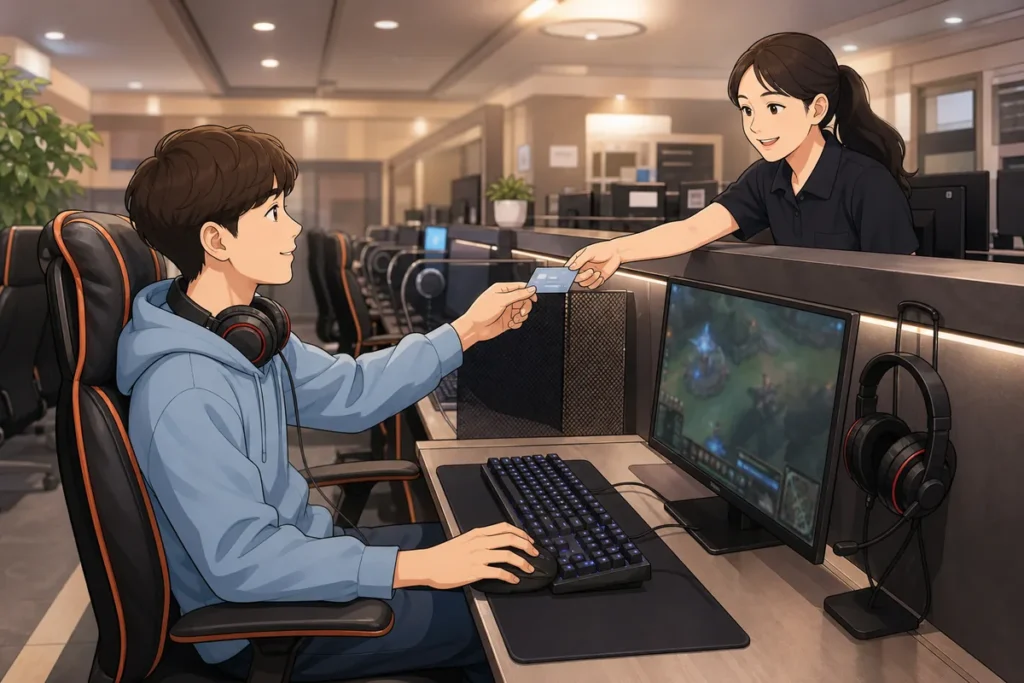
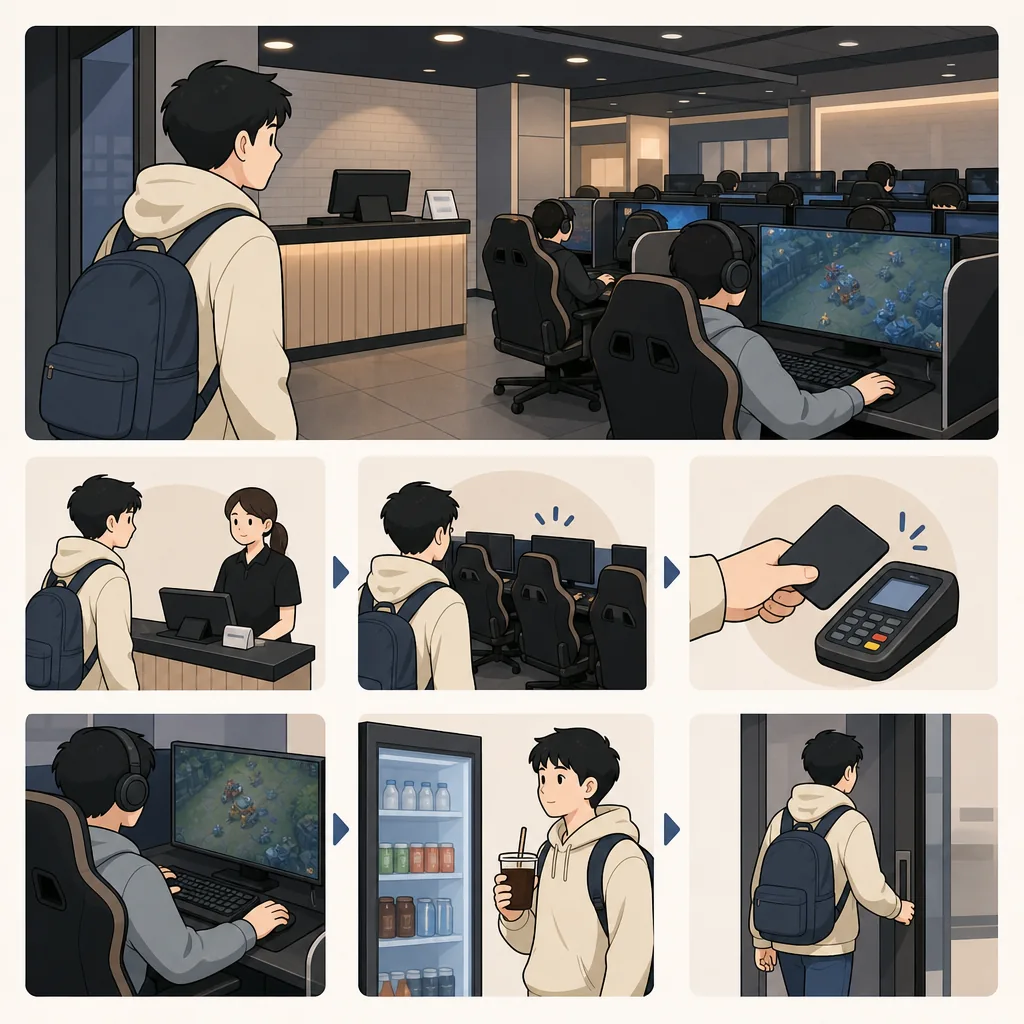
If you want to use a pc bang as a foreigner, the process is usually simple: go to the counter or kiosk, choose or receive a seat, charge time, use the computer, and pay when you leave. Most shops are used to first-time visitors, and you can also order food from your seat once you are logged in.
What to Do First
- Walk in and go straight to the front counter or self-service kiosk.
- Ask for a seat or accept the seat number staff gives you.
- Charge time for the amount you want to stay.
- Sit down, log in, and check that your seat is active.
- Order food or drinks from your seat if you want them.
- Pay at the counter or machine before you leave.
- Confirm accepted payment methods before you start, since they vary by shop.
When This Guide Helps
This guide helps if you are visiting a pc bang for the first time and want a calm, step-by-step process. It is useful when you are unsure whether to use the counter or kiosk, how seat numbers work, how time charging works, or how to order food without leaving your chair. It is also helpful if you do not speak Korean and want a simple way to handle the visit from start to finish.
What to Do First at a pc bang
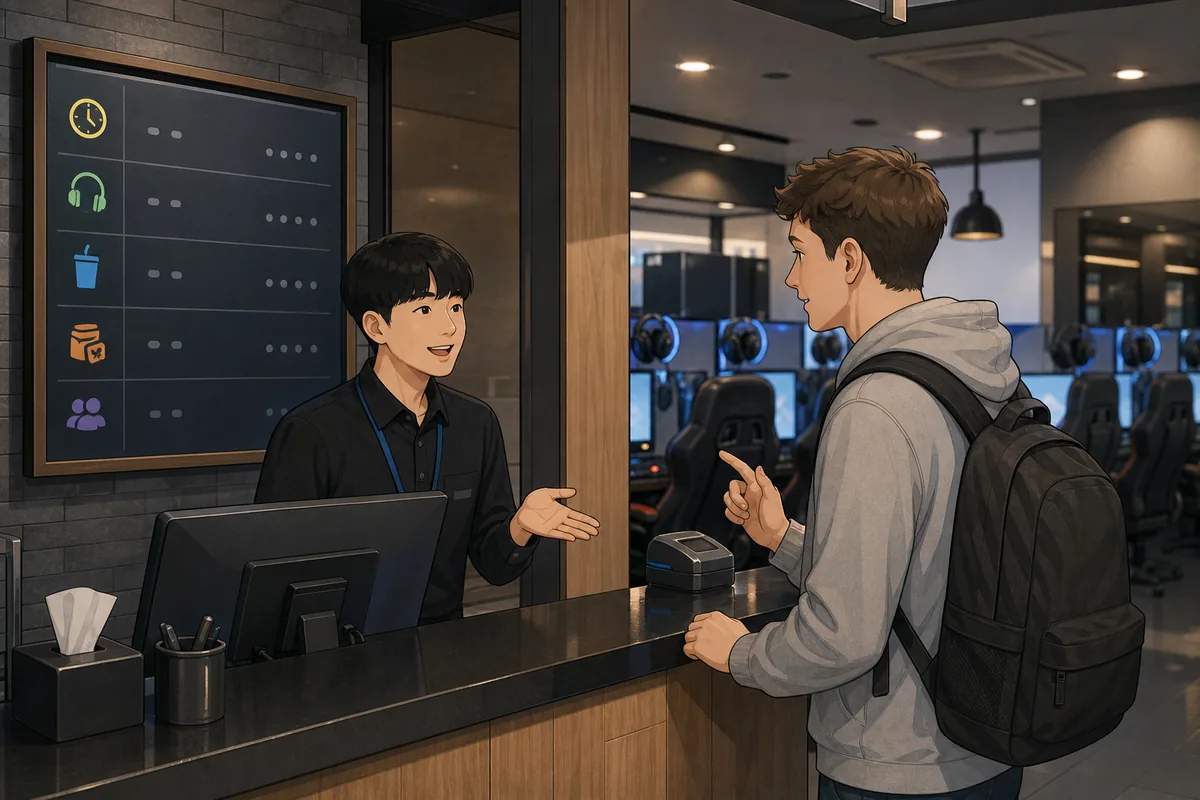
Start by going to the front desk or kiosk right after you enter. In many places, staff will assign a seat for you, while some shops let you choose from a screen map. If you are not sure what to do, pause near the counter and let staff point you in the right direction. The first step is always to check in before you sit down.
1. Enter and check in
Look for the counter, kiosk, or seat map near the entrance. If the shop uses a kiosk, available seats are often shown on a screen. If it uses a counter, a staff member may ask how long you want to stay and then give you a seat number.
2. Choose a seat
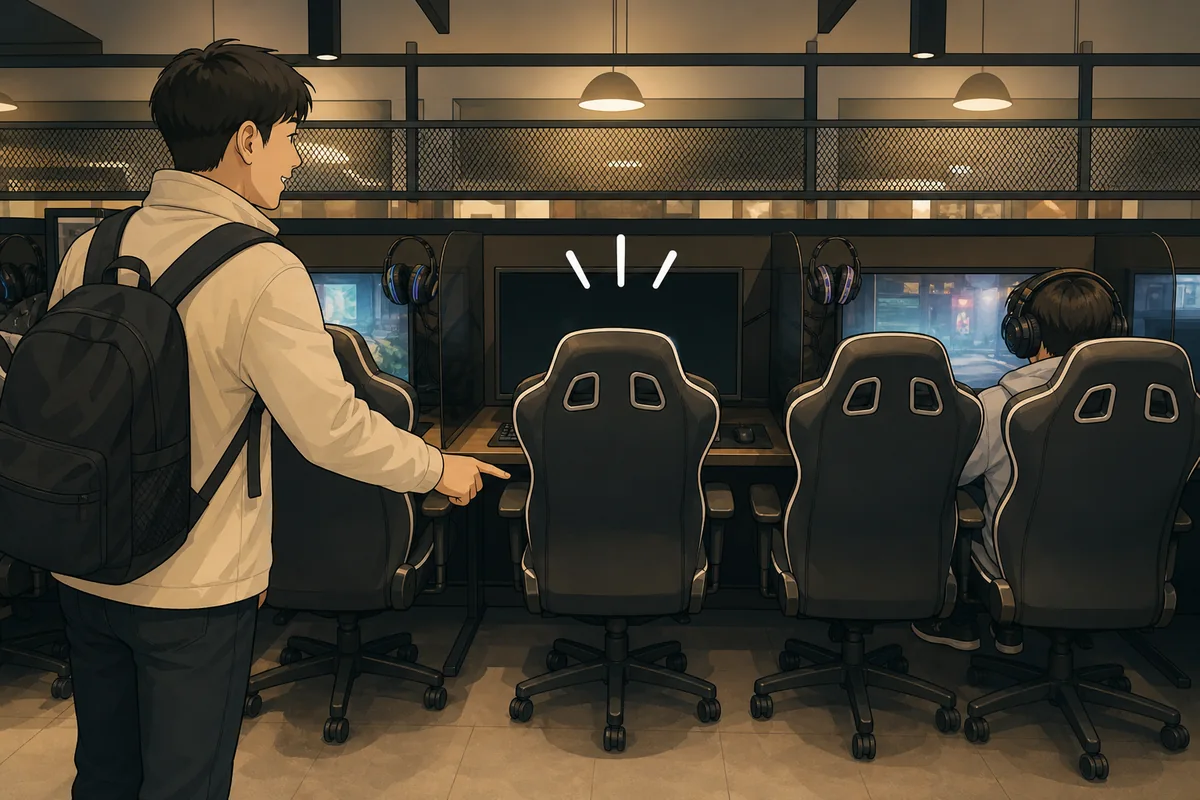
If you are allowed to choose, pick any empty seat shown as available on the screen. Some shops have standard seats, premium seats, or private booths. If you do not care which seat you get, simply ask for any available seat and staff will usually assign one.
3. Charge time
Time is usually charged by the minute or by the hour. You may pay for a set amount in advance or pay for the total time when you leave. The exact system depends on the location, so check the sign near the counter or ask staff before you sit down if you want to avoid surprises.
4. Log in at your seat
Once you sit down, find your seat number and follow the login prompt on the screen. Some seats activate automatically after check-in, while others need a code or seat number from the counter receipt. If the screen does not start, return to the desk and show your seat number.
5. Order food or drinks
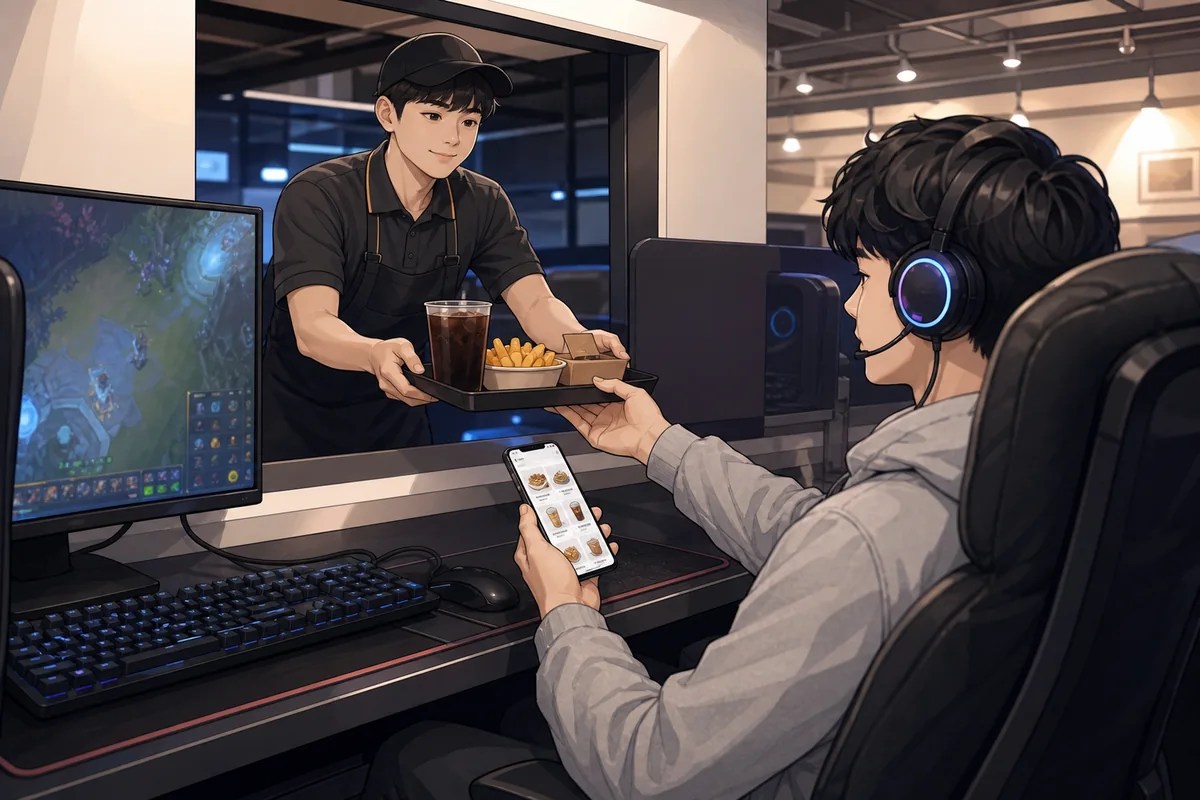
Many pc bangs let you order from your seat using an on-screen menu or a call button. Common items include drinks, snacks, and simple meals like ramyeon. Ordering is optional, but it is easy once you are logged in. If the menu is in Korean, pictures usually help you choose.
6. Pay and leave
When you are ready to go, return to the counter or payment machine and give your seat number. Staff will calculate your total time. Payment methods vary, so ask early if you need a specific method. Some shops take cards, some take cash, and some also support mobile payment apps.
Korean Phrases You Can Show
Show these phrases on your phone if you need help at the counter or from your seat.
Useful Korean Signs or Words
These are the words you are most likely to see on signs, screens, and menus inside a pc bang.
Where to Get Help
The front counter is the easiest place to get help if you are unsure about any step. Staff can usually explain the seat map, how to charge time, and how to pay at that location. If the shop has a kiosk and you are stuck, wait near the desk and show your phone screen or point to the part you need help with. For general travel questions in Korea, the Korea Tourism Organization also offers visitor support through its 1330 service.
Common Mistakes
- Sitting down before check-in. Always check in first so the shop knows which seat is yours.
- Assuming every PC bang works the same. Some use a counter, some use a kiosk, and some use both.
- Not confirming payment methods. Card, cash, and mobile payment options can change by location.
- Forgetting your seat number. Keep it on your phone or receipt so you can pay easily.
- Missing the food ordering system. Many shops let you order from your seat, but the menu may be in Korean.
- Leaving without settling the bill. Always stop at the counter or payment machine before you go.
Summary
A PC bang is easy to use once you follow the usual flow: check in, get a seat, charge time, use the computer, order food if you want, and pay before leaving. If anything feels unclear, the counter staff are the best place to ask, and a few short Korean phrases can solve most problems. Confirm the payment method early, keep your seat number handy, and the whole visit becomes much simpler.
Use Korean Pc Bang As Foreigner becomes easier to handle when you recognize the situation and follow the practical steps above.
Use Korean Pc Bang As Foreigner becomes easier to handle when you recognize the situation and follow the practical steps above.
FAQ
How does a visitor enter a Korean PC bang as a foreigner?
Walk in and go to the counter or kiosk first. Staff will usually assign a seat or let you choose one from the screen. Most places do not require a special process for foreign visitors.
How does a visitor charge time at a PC bang in Korea?
You usually pay for time at the counter or kiosk in minutes or hours. Some shops let you pay in advance, while others charge when you leave. If you are unsure, ask staff to explain the local system before you sit down.
Can a visitor order food at a PC bang in Korea?
Yes. Many PC bangs sell drinks, snacks, and simple meals, and you can often order from your seat. Look for an on-screen menu or a call button at the desk. Ordering is optional.
Do Korean PC bangs accept foreign cards?
Many do, but not every location accepts the same payment methods. Some places take foreign cards, some prefer cash, and some use local apps. Ask at the counter before you start if payment method matters to you.
Note: This guide is for travel navigation in Korea. It is not medical, legal, or emergency professional advice. For urgent situations, contact local emergency services, official staff, or your embassy/consulate as appropriate.
Sources & Verification
- VISITKOREA – Imagine Your Korea — english.visitkorea.or.kr
Last checked: July 30, 2026